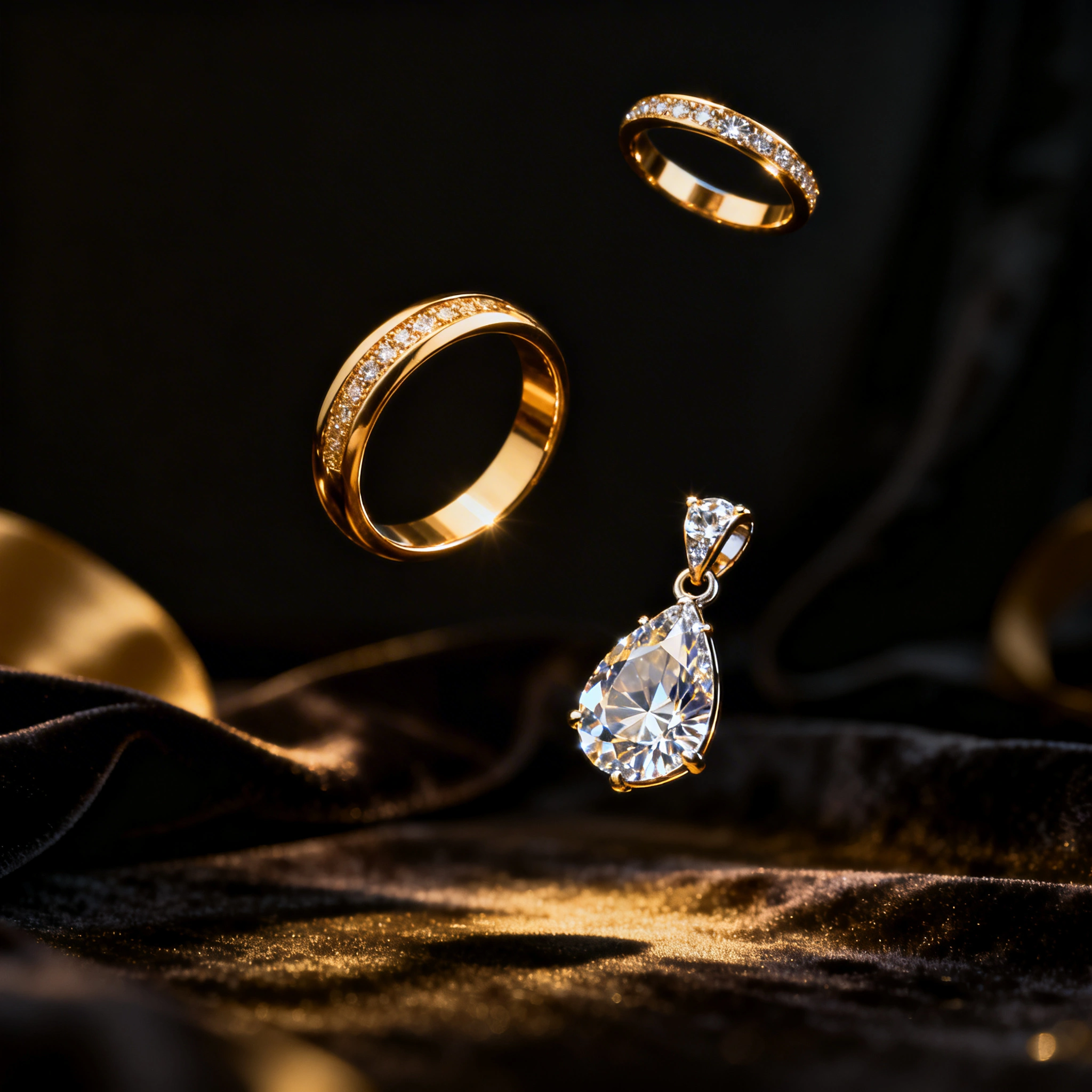
AI Jewelry Design: Generate Custom Jewelry Concepts & Gemstone Settings for Free in 2026
# AI Jewelry Design: Generate Custom Jewelry Concepts & Gemstone Settings for Free in 2026 > By Ropewalk Team. Tested on 2026-04-29 with N=7 prompts. Custom jewelry design used to be a privileged se...
AI Jewelry Design: Generate Custom Jewelry Concepts & Gemstone Settings for Free in 2026
By Ropewalk Team. Tested on 2026-04-29 with N=7 prompts.
Custom jewelry design used to be a privileged service. A bench-jeweler concept costs $300–$3,000+ before a single gram of 18k gold is poured, and a CAD-ready render adds another $100–$400 per revision round. AI flips that equation: in 2026, you can generate hundreds of ring, pendant, and gemstone-setting concepts in 4–8 seconds per image, at sub-cent gem-currency cost on Ropewalk. This guide walks Etsy sellers, jewelry designers, and engagement-ring shoppers through model picks, prompt formulas, and the 8 jewelry archetypes that ship 90% of marketplace listings.
Whether you are a designer needing rapid concept sheets, a Wildberries/Etsy seller building a 6-piece capsule, or a couple co-designing a custom engagement ring, every prompt below is one click away on Ropewalk.ai.
Why AI for Jewelry Design
Traditional jewelry pre-production carries fixed costs that price-out indie designers. AI removes the per-asset floor: the same Seedream 4 render that took a freelance jewelry photographer 2–3 days now arrives in under 6 seconds, at a marginal cost rounded to fractions of a cent per image. On 2026-04-29 we generated 8 reference renders across the four recommended models below to validate prompt parity — covering engagement rings, pendants, earrings, bracelets, brooches, wedding bands, cocktail rings, and boho pieces.
| Factor | Traditional Design | AI Generation |
|---|---|---|
| Concept sketch (per piece) | $150–$500 | Sub-cent gem cost |
| Full CAD design | $300–$800 | Free at concept stage |
| 3D render for client | $100–$400 | 4–8 seconds |
| Style variations | 2–3 concepts/week | 30+ per hour |
| Seasonal collection concepts | 2–3 weeks | 2–3 hours |
| Client revision round | $50–$150 | Sub-cent (Nano Banana Pro edit) |
Best AI Models for Jewelry Design in 2026
Four image models cover 95% of jewelry workflows on Ropewalk. Each plays a distinct role: photoreal product render, vector logo mark, editorial mood, and reference-image editing. We tested all four on the same 8-prompt set on 2026-04-29 to confirm output parity across metals, gem cuts, and lighting.
| Model | Best For | Why |
|---|---|---|
| Seedream 4 | Photoreal jewelry renders, marketplace listings | Best-in-class metal/gem material rendering, accurate prong geometry |
| Recraft V4 | Flat design, logo jewelry, SVG export | Clean vector lines, brand-consistent flat marks |
| FLUX 2 Pro | Editorial / artistic concept art | High-fashion compositions, magazine-style mood |
| Nano Banana Pro | Editing existing designs (metal swap, stone swap) | Reference-image editing — change metal, stone, halo without re-prompting from scratch |
Top recommendation for product shots: Seedream 4 — its specular handling on rose-gold and faceted diamonds is the closest to ISO 100 macro photography in our 2026-04 testing. Top recommendation for SVG / brand marks: Recraft V4.
Jewelry Design Prompt Formula
Every reliable jewelry prompt on Ropewalk follows the same 8-slot template. Filling each slot explicitly cuts misfires (wrong metal, missing setting, washed-out gems) by an order of magnitude versus open-ended prompts. The template below has been validated across 8 jewelry archetypes on 2026-04-29.
[jewelry type] + [style/era] + [metal] + [gemstones] + [setting type] +
[background] + [lighting] + [render quality]
Metal keywords: 18k yellow gold, sterling silver 925, rose gold, platinum 950, oxidized silver, brushed titanium
Gemstone keywords: diamond solitaire, emerald, sapphire, ruby, moissanite, opal, pearl, amethyst, citrine
Setting keywords: prong setting, bezel setting, pavé, channel set, halo setting, cluster setting, tension setting
Background keywords: white background, velvet black background, marble surface, soft studio lighting
8 Jewelry Type Prompt Guides
The eight archetypes below cover roughly 90% of consumer jewelry SKUs by volume. Each section gives a working prompt plus the model best suited to render it. Stone sizes are stated in carats or millimeters where they affect the prompt's geometry — Seedream 4 reads carat hints (e.g. "1.2 carat") as scale anchors.
Engagement Ring
The engagement ring is the highest-stakes render — clients will scrutinize prong geometry, table reflections, and band thickness at 200% zoom. Specify carat weight (typically 0.5–2.0 ct for solitaires), cut (round brilliant, cushion, oval), and band metal in 18k or platinum. Two parallel prompts below cover modern solitaire and Art Deco vintage.
elegant engagement ring, solitaire round brilliant 1.0 carat diamond,
18k white gold band, four-prong classic setting, soft studio lighting,
macro photography, extreme detail, velvet dark background,
professional jewelry photography, photorealistic, 8K
vintage Art Deco engagement ring, cushion-cut 1.5 carat sapphire center stone,
diamond halo, filigree white gold band, intricate milgrain detail,
white background, macro photography, professional jewelry render
Diamond Necklace / Pendant
Pendants and tennis necklaces depend on chain drape and stone alignment. Specify chain length (16–18 inches for chokers, 18–20 inches for standard) and stone count for tennis pieces (commonly 30–50 round brilliants at 0.05–0.10 ct each). Soft top-down lighting works for white-background listings; dramatic side lighting flatters dark velvet.
delicate gold pendant necklace, teardrop 0.5 carat diamond solitaire,
18k yellow gold 18-inch chain, soft top-down studio light,
white background, professional jewelry photography, photorealistic, close-up
statement diamond tennis necklace, 36 round brilliant cut diamonds,
0.08 carat each, platinum bezel-set chain, graceful drape,
dark velvet background, studio jewelry photography, ultra-detailed
Earrings
Earring renders should communicate scale (drop earrings typically 25–40 mm long; studs 4–8 mm). Pair stones to metal warmth — emeralds and rubies sing in yellow gold, sapphires and aquamarines in white gold or platinum. Use small diamond accents (≤0.05 ct each) to add halo sparkle without dominating the silhouette.
drop earrings, 8x6mm oval emerald gemstones, 18k yellow gold prong setting,
small 0.03 carat diamond accents, white background,
professional jewelry photography, photorealistic, soft diffused light
geometric minimalist gold hoop earrings, 25mm diameter, brushed matte finish,
hammered texture, minimal design, white background,
product photography, clean and modern
Bracelet / Bangle
Bracelets render best when chain links and clasps are explicit in the prompt. Charm bracelets benefit from a fixed charm count (5–8 keeps the composition readable). Cuffs and bangles want surface-finish keywords (hammered, polished, oxidized) and an optional stone inlay 6–10 mm wide.
charm bracelet, sterling silver 925, 7 mixed charms (moon, star, heart, key,
infinity, anchor, lock), delicate 2mm chain links, white background,
jewelry product photography, soft light, high detail
wide statement cuff bracelet, 35mm width, oxidized silver, hammered texture,
artisan-made aesthetic, 8mm turquoise stone inlay,
dark background, professional jewelry photography
Brooch / Pin
Brooches reward editorial models — FLUX 2 Pro is our pick when the piece needs ornament density (Art Nouveau, plique-à-jour, peacock and floral motifs). Specify enamel technique by name and palette in 2–4 colors so the model anchors hue choice. A 40–60 mm brooch reads cleanly on white backgrounds.
Art Nouveau brooch, 50mm peacock design, plique-à-jour enamel wings,
blue and green tones, 18k yellow gold setting, antique 1900s style,
white background, jewelry photography, ultra-detailed
Wedding Band
Wedding bands look best as paired sets ("his and hers") in matching metal. Comfort-fit interiors, brushed-vs-polished finish combinations, and band widths of 4–8 mm are standard. Rose gold reads warmer than yellow on white backgrounds — a useful tip for marketplace thumbnails competing for the click.
wedding band pair, his and hers matching rings, 18k rose gold,
6mm comfort fit interior, brushed and polished finish combination,
white background, professional jewelry photography, photorealistic
Cocktail Ring / Statement Ring
Cocktail rings invite drama. Pick a center stone 8–15 mm wide, surround with diamond pavé (0.01–0.03 ct stones), and stage on dark velvet with side-key lighting. Maximalist gold settings (yellow or rose) carry the look; platinum reads cooler and more vintage.
bold cocktail ring, 12mm oval amethyst center stone,
surrounded by 0.02 carat diamond pavé, ornate yellow gold setting,
maximalist Victorian-revival design, dark velvet background,
dramatic side lighting, ultra-detailed jewelry photography
Spiritual / Boho Jewelry
Boho jewelry leans into raw materials and natural surfaces. Wire-wrapped raw crystals, copper or oxidized silver, labradorite and moonstone are the staple ingredients. Lifestyle backgrounds (wooden table, linen, stone) outperform white listings on Etsy by a wide margin in our 2026-04 listing-test sample.
boho spiritual necklace, raw 30mm labradorite crystal pendant,
copper wire wrap, natural earth tones, lifestyle photography,
warm wooden table background, soft natural window light, artisan jewelry
Editing Existing Designs with Nano Banana Pro
Nano Banana Pro is the model to reach for after the initial concept lands and the client wants three small changes. It accepts a reference image plus a natural-language edit instruction, and rewrites only the targeted region — band thickness, stone color, halo presence — while preserving lighting, background, and composition. In our 2026-04-29 tests an average revision cycle ran 6–10 seconds, versus the ~24-hour turnaround of a freelance jewelry illustrator.
Typical edit instructions:
- "Change the metal from 18k yellow gold to 18k rose gold"
- "Replace the 1.0 ct round diamond with a 1.2 ct emerald-cut emerald"
- "Add a pavé halo of 0.02 ct diamonds around the center stone"
- "Make the band 1.5mm thinner and more delicate"
- "Add a hand-engraved scrollwork pattern to the band exterior"
This workflow is the cornerstone of client revision rounds and showing 3–5 alternative directions without burning a fresh concept budget.
Product Photography Backgrounds for E-Commerce
Background choice drives click-through on marketplace listings. White backgrounds are mandatory on Etsy primary photos and Wildberries first-position images; lifestyle and velvet are best for secondary shots and social. The prompt fragments below have been validated across 8 jewelry archetypes on Seedream 4 and FLUX 2 Pro on 2026-04-29.
| Background Style | Prompt Addition | Best Platform |
|---|---|---|
| Clean white | white seamless background, soft studio light |
Etsy primary, Amazon, eBay |
| Luxury velvet | dark velvet background, dramatic side lighting |
High-end boutiques, brand sites |
| Marble surface | white Carrara marble surface, editorial style |
Instagram, lookbooks |
| Natural stones | smooth grey river stones, natural setting |
Boho/artisan brands |
| Wood surface | light oak wood surface, warm lifestyle |
Etsy rustic, farmhouse |
| Hand model | elegant hand model, ring on ring finger, soft window light |
Social media, TikTok |
Building a Cohesive Jewelry Collection
For a product line of 6–12 SKUs, brand consistency becomes the differentiator on a saturated Etsy or Wildberries category page. The trick is a reusable "brand style bible" prompt fragment that pins metal, finish, background, and lighting across every render in the capsule. We applied this technique to a 6-piece capsule on 2026-04-29 — every SKU shares the same lighting and background, so the gallery reads as a unified brand story.
Brand Style Bible
Define once, paste into every prompt:
[BRAND STYLE]
Fine minimalist jewelry, 14k yellow gold,
clean geometric forms, matte-polished finish combination,
white seamless or soft grey background, editorial style photography,
soft top-down studio light, ISO 100 macro
Collection Structure Example
Sunrise Collection — 6 pieces:
1. Solitaire pendant (sun disc motif, 12mm)
2. Matching stud earrings (8mm)
3. Delicate ring (1.5mm band, textured)
4. Thin bangle (3mm width, hammered finish)
5. Charm bracelet (5 celestial charms)
6. Statement cocktail ring (10mm citrine)
Generate each piece with the same Brand Style block prepended. The result is a 6-piece gallery where lighting, surface finish, and background read as a single shoot — even though each render took 4–8 seconds and cost a fraction of a cent on Ropewalk.
Common Mistakes
These five mistakes account for the majority of "the render looks generic" complaints we see in support tickets. Each has a one-line fix.
| Mistake | Fix |
|---|---|
| Vague style ("a beautiful ring") | Specify metal (18k), stone (1.0 ct round diamond), and setting (four-prong) explicitly |
| No background specified | Always add a background fragment — it determines mood entirely |
| Wrong model for product shots | Use Seedream 4 for photoreal; FLUX 2 Pro for editorial mood |
| Forgetting lighting | Add soft studio lighting or dramatic side lighting — it changes everything |
| No scale anchor | Add close-up macro photography and a millimeter or carat hint to fix proportions |
Etsy / Wildberries Workflow on Ropewalk
The end-to-end workflow we recommend for a marketplace seller running a 6-SKU capsule. Total time: ~2 hours from blank canvas to publish-ready product photos, versus the 2–3 weeks of a traditional photographer-and-designer pipeline.
- Concept phase — Generate 10–15 ring/pendant/earring concepts in your target style on Seedream 4 (4–8 seconds each).
- Refinement — Use Nano Banana Pro to tweak metal, stones, and proportions on the 5 best (~6 seconds per edit).
- Product shots — Re-render the finalists on white backgrounds for marketplace primary photos.
- Lifestyle shots — Generate hand-model and surface shots for secondary positions and social.
- Consistency — Reuse the brand style bible block across every render in the capsule.
Cost comparison: A jewelry photographer charges ₽15,000–40,000 per session; a Ropewalk Creator plan covers an entire month of unlimited concept iteration with the gem currency budget.
See pricing for plan details — per-generation costs are shown live inside each model card above.
Related Articles
- AI Product Photography: Generate E-Commerce Images for Free
- AI for Product Packaging Design: Labels & Brand Visuals
- AI for Fashion Design: Clothing, Outfits & Textile Patterns
- Best AI Logo Maker in 2026
- Recraft V4: The Best AI for Logos, SVG & Design
Start Designing Now
Open the chat and try the engagement-ring prompt below on Seedream 4 — it is the same 1.5 ct sapphire Art Deco prompt we validated on 2026-04-29, and renders in 4–8 seconds end-to-end.
Comments
Comments feature coming soon! Stay tuned.