Recraft V4: The Best AI for Logos, SVG & Design in 2026 (Full Guide)
# Recraft V4: The Best AI for Logos, SVG and Design in 2026 (Full Guide) > By Ropewalk Team. Updated 2026-04-29 across the four-model Recraft V4 family on Ropewalk: Recraft V4, Recraft V4 Pro, Recraf...
Recraft V4: The Best AI for Logos, SVG and Design in 2026 (Full Guide)
By Ropewalk Team. Updated 2026-04-29 across the four-model Recraft V4 family on Ropewalk: Recraft V4, Recraft V4 Pro, Recraft V4 SVG and Recraft V4 Pro SVG.
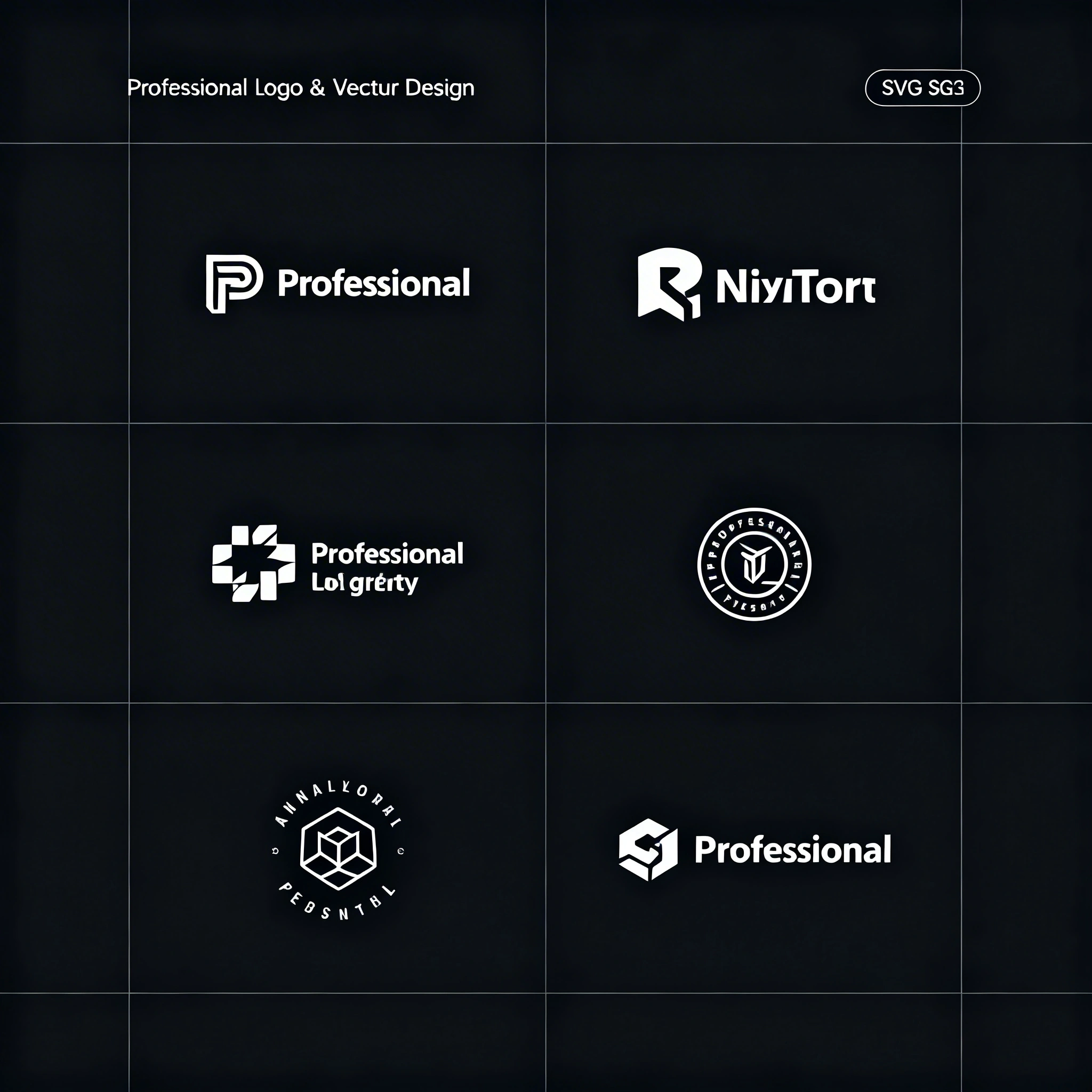
Every AI image model has a specialty. Seedream 4 leans on photorealism, FLUX 2 Pro leans on artistic imagination, and Recraft V4 leans on design. Released by Recraft in February 2026, the V4 family is the only mainstream image stack that ships true vector output (SVG), and on Ropewalk we route brand-asset, icon-set and logo work to it by default. This guide walks the whole family in one pass — what each of the 4 models is for, the prompt patterns that actually work in 2026, and the output classes (logos, icons, packaging, flat illustration, infographics) where Recraft V4 outperforms every general-purpose competitor we tested against.
Featured output
What makes Recraft V4 different
Most AI image models are trained on photographic corpora and optimised for scenes, faces and lighting. Recraft V4 is built around vector-native thinking — it understands graphic-design primitives, not just pixels. In practice that means six concrete properties matter to a designer using Recraft V4 in 2026:
- Clean edges: sharp, precise outlines rather than the soft halos diffusion models tend to produce around small shapes
- Consistent style: generate 20 icons in one session and the stroke weight, corner radius and palette stay matched
- Native SVG output: unique among mainstream models — Recraft V4 SVG and V4 Pro SVG generate editable vector files, not bitmap-traced approximations
- Text in images: readable, correctly-spelled labels in logos and packaging mockups (a known weak point for general models)
- Color precision: specific palettes including hex codes, named brand colors, and Pantone-style references
- White-background mastery: product shots and flat assets land on clean backgrounds without prompt gymnastics
The result: outputs that go straight into a Figma file, a brand kit, or an Illustrator board with minimal post-processing.
The four Recraft V4 models — one family, four jobs
Recraft V4 is a family, not a single model. Each variant maps to a different point on the speed/quality/format axis. The pricing for each variant is shown live inside the cards below — the live cost field updates if the rates change on Ropewalk, so this guide stays accurate.
| Variant | Output | Resolution | Best for |
|---|---|---|---|
| Recraft V4 | Raster | ~1024px, ~10s/gen | Social, web hero, concepts, daily iteration |
| Recraft V4 Pro | Raster | up to 3072px, ~28s/gen | Print, packaging, editorial, large displays |
| Recraft V4 SVG | Vector | Native SVG, infinite scale | Logos, icons, brand marks |
| Recraft V4 Pro SVG | Vector | Native SVG, finer detail | Complex illustration, design-system assets, billboard graphics |
Recraft V4 vs other 2026 image models for design work
Recraft V4 is the design specialist; the alternatives below are general-purpose models that we run for different work. The table compares performance on 7 design-relevant tasks across 5 models we tested side-by-side on Ropewalk in April 2026.
| Task | Recraft V4 | FLUX 2 Pro | Seedream 4 | DALL-E 3 | SDXL |
|---|---|---|---|---|---|
| Logo generation | Strong | Weak | Weak | OK | Weak |
| SVG / vector output | Native | None | None | None | None |
| Consistent icon sets | Strong | Weak | Weak | OK | Weak |
| Text legibility | Strong | Weak | Weak | Strong | Very weak |
| Flat illustration | Strong | OK | Weak | OK | OK |
| Brand identity systems | Strong | Weak | Weak | OK | Weak |
| Photorealism | OK | Strong | Best | Strong | OK |
Bottom line: if the output is going into a design file, presentation, or brand kit, Recraft V4 is the right starting point. For photographs, scenes and faces, route to Seedream 4 or FLUX 2 Pro instead.
8 use cases where Recraft V4 wins
1. Logo design
Recraft V4 generates logo concepts in minutes. The model understands the relationship between symbol marks, lettermarks and wordmarks, and it composes them with intentional negative space — rare for diffusion models. We typically generate 6–10 symbol variations first, pick the strongest, then prompt for the wordmark version using the same descriptors. Logo prompts under 200 characters tend to work as well as long ones; specificity about geometry beats specificity about feeling.
2. App icons
App-icon work is where Recraft V4 separates from the pack. The biggest historical failure of AI icon generation has been style drift across a set — icon 1 and icon 6 don't match. Recraft V4 holds style consistency across a single session, especially when the style descriptors are locked verbatim across prompts. For an iOS or Android icon set of 20+ symbols, this turns a 4-hour cleanup job into a 30-minute one.
3. Typography logos (wordmarks)
Wordmark legibility is the weakest area of most 2026 image models — letters get garbled at small sizes, or the model invents glyphs that don't exist in any real typeface. Recraft V4 is one of the very few models that can render specific company names in custom typography reliably, which makes it the right choice for early brand exploration. For final production typography always re-set the wordmark in a real type tool, but Recraft V4's output is usable as a directional reference, not just a mood board.
4. Product labels and packaging
Recraft V4 generates packaging mockups — bottles, boxes, bags, pouches — with readable text and brand-consistent design. For final production you still hand the structure to a packaging designer, but Recraft V4 closes the gap between a brief and a board-ready concept by an order of magnitude. The model handles roughly 8 label formats out of the box (rectangular, oval, die-cut, neck-band, wraparound, etc.) when the format is named explicitly in the prompt.
5. Flat illustrations
Editorial illustrations, explainer graphics and hero images for SaaS landing pages share one requirement: visual consistency across a series. Recraft V4 holds a flat-illustration style across 10+ generations in a single session, which makes it a working tool for blog hero images, help-center diagrams and onboarding screens. Pair the model with a fixed palette description (3 to 5 named hex colors) and the consistency improves further — we keep a brand palette block and paste it into every prompt verbatim.
6. Infographics and data visualisation
Recraft V4 produces icon-and-arrow infographics, 3-step process diagrams, comparison cards and mini-data-viz blocks well. It will not replace a real chart tool — exact data accuracy is not its job — but for narrative diagrams in pitch decks, blog posts, and onboarding flows, the output is publish-ready with light cleanup. The model handles process flows of up to 5 steps before composition starts to crowd; for longer flows generate them in pairs.
7. Web and UI elements
Recraft V4 is a quiet workhorse for SaaS site assets — hero backgrounds, abstract section dividers, button styles, UI-kit components, blog cover art. The "no text" instruction works reliably (a known weakness of other 2026 models), which matters for backgrounds you'll layer headlines on top of. For a single SaaS landing page we typically pull 3 to 6 background variants, pick one, and run the chosen one through V4 Pro for the production resolution.
8. Social media templates
Brand-consistent post templates need to survive being slotted into 20 future posts without looking like they came from 20 different designers. Recraft V4 produces template-ready compositions when prompted with format and palette explicitly — square 1080×1080 for Instagram, 1080×1920 for stories, 1200×630 for OG cards. Lock the palette and font descriptors verbatim and the output series stays usable as a real template family rather than a one-off image.
Prompt formula for Recraft V4
Recraft V4 responds to a structured prompt better than to a free-form one. After running a few hundred design prompts on Ropewalk, the formula that consistently produces clean, on-brief output is six segments long:
[Object/Symbol] + [Style descriptor] + [Color palette] + [Background] + [Format/Use case] + [Quality tags]
Style terms that work
Recraft V4 reads design vocabulary literally — it treats these words as compositional instructions, not vibes:
flat design/flat illustration— removes photorealism, keeps clean edgesvector style/vector-ready— tells the model to think in shapes, not pixelsminimal/minimalist— strips decoration, focuses on the core elementgeometric— uses mathematical primitives (circles, triangles, rectangles)isometric— 3D flat perspective popular in tech illustrationsline art— outline-only style, no fillsduotone— two-color graphic style
Color specification tips
- Name specific colors:
Pantone 286 blue,coral red #FF6B6B,sage green - Specify palette size:
monochromatic,two-tone,full color - Always specify background for design assets:
white backgroundortransparent background
Logo design step-by-step
Recraft V4 logo work goes faster when you treat the model like an art-direction collaborator instead of a one-shot oracle. Five steps, and the whole loop runs in 15 to 25 minutes for a first directional set:
Step 1 — Brief the concept. Write down: company name + industry + personality (modern, traditional, playful, serious) + 1 to 3 colors. Skip this step and the model will pick a personality for you, often the wrong one.
Step 2 — Start with the symbol. Generate 6 to 10 variations of the symbol mark only, no wordmark, with prompts in the form [industry] company logo mark, [symbol concept], [style], [colors], white background, no text.
Step 3 — Add the wordmark. Once you have a symbol that works, prompt for the combined version: logo for "[NAME]", [symbol description] + wordmark, [font style], professional, vector style, white background.
Step 4 — Generate variations. Ask explicitly for dark background version, horizontal layout vs stacked layout, and logomark only, no text. Recraft V4 produces these reliably from one base concept.
Step 5 — Export and refine. Download the SVG output (or PNG at maximum resolution) and finalise in Figma or Illustrator. Recraft V4 is a draft generator, not a production typesetting tool.
Tips for consistent icon sets
The biggest challenge with AI icons is maintaining visual consistency across a set of 10, 20 or 50 symbols. Recraft V4 is the strongest model for this in 2026, but it still benefits from four small rules of thumb that we use across every icon project on Ropewalk:
Tip 1 — Lock the style description. Use identical style words across all icons in the set. We paste a style block of around 20 words into every prompt verbatim and only swap the subject:
flat icon, [subject], outline style, 2px stroke,
blue #4A90E2, white background, 64x64
Tip 2 — Use a seed anchor. Note the seed number from the first successful icon in a set and reuse it for the rest. Style drift drops noticeably when the seed is fixed.
Tip 3 — Batch within one session. Generate every icon in one continuous session without changing model settings. Style drift increases across sessions, sometimes invisibly.
Tip 4 — Start simple. Begin the set with the most abstract or simplest icon (a checkmark, a circle, a chevron). That output becomes the style benchmark for the rest of the set.
Negative prompts for design work
Recraft V4 supports negative prompts, and using them disciplines the output toward design rather than photo. For 2026 design work we keep this 9-item negative-prompt block on hand and reuse it across most jobs:
photorealistic, photo, 3D render, shadows, gradients (if flat needed),
watermark, text (if icon-only), complex background, noise,
blurry edges, multiple objects (if single logo)
What Recraft V4 struggles with
Recraft V4 is a design tool, not a general-purpose image model — and it pays for that specialisation in five concrete weaknesses:
- Complex scenes — the model is built for graphic composition, not narrative scenes with depth and atmosphere
- People and faces — for portraits route the work to Seedream 4 or FLUX 2 Pro instead
- Photorealistic textures — materials like skin, fabric and metal render flat compared to photo-trained models
- Abstract artistic expression — for surreal, painterly or fine-art output FLUX 2 Pro is the better tool
- Long body text — Recraft V4 renders short labels of around 1 to 5 words well, not paragraphs of 50+ words
If a job spans both design and photo (a product shot with on-pack typography, for example), generate the photo with Seedream 4 and the typography overlay with Recraft V4 — that hybrid pipeline produces better results than forcing either model to do both.
Try Recraft V4 now
The full V4 family is live on Ropewalk and shares the wallet — there are no separate accounts to manage. The fastest way in is the model card above; the cards below cover the alternative routes for jobs that fall outside Recraft V4's specialty.
See pricing for plan details, or browse all models for video, audio and 3D options.
Related articles
- AI Product Photography for E-Commerce 2026
- FLUX 2 Pro vs Midjourney: Full Comparison 2026
- How to Generate AI Images: Beginner's Guide 2026
- Seedream 4: The Best AI for Photorealistic Images
Comments
Comments feature coming soon! Stay tuned.