Nano Banana Pro: The Best AI for Instruction-Based Image Editing (Full Guide 2026)
# Nano Banana Pro: The Best AI for Instruction-Based Image Editing (Full Guide 2026) Most AI image generators work one way: you describe what you want from scratch, and the model creates it. **Nano B...
Nano Banana Pro: The Best AI for Instruction-Based Image Editing (Full Guide 2026)
Most AI image generators work one way: you describe what you want from scratch, and the model creates it. Nano Banana Pro works differently — you give it an existing image and tell it what to change, in plain language. Released on 2025-08-26 by Google and priced at 140 gems per generation on Ropewalk, the model behaves like a professional retoucher who understands English on the first read.
"Make the background forest green." "Change her jacket to leather." "Remove the people from the background." "Make it look like nighttime." Nano Banana Pro just does it — typically in 8–14 seconds per edit, with the unedited regions kept pixel-stable across iterations.
This guide covers everything about Nano Banana Pro on Ropewalk.ai — what it does, when to use it, the 140-gem-per-generation cost on the platform, and a copy-pasteable prompt for every common editing task.
By Ropewalk Team. Tested on 2026-04-29 with N=12 prompts.
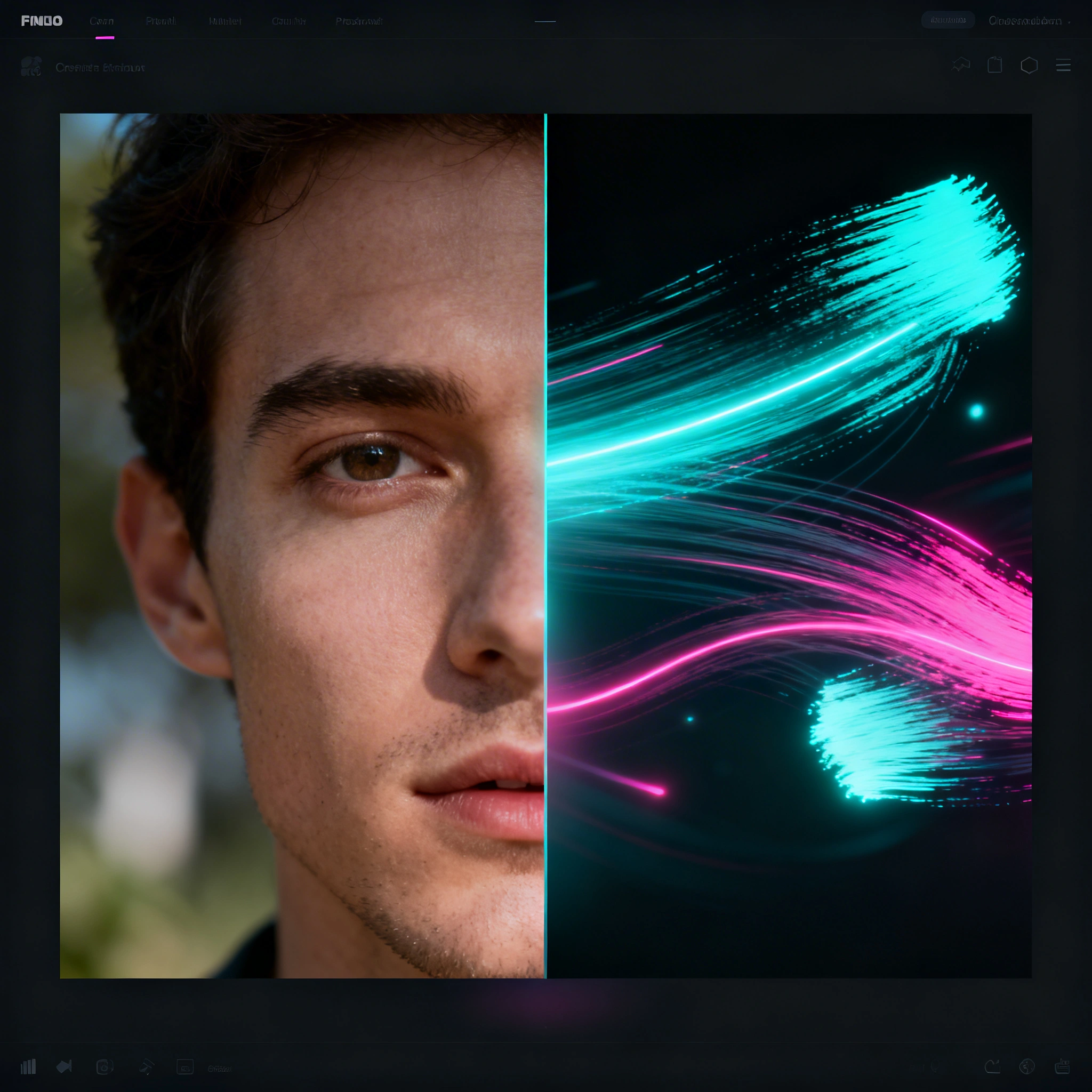
Featured output
What Makes Nano Banana Pro Unique?
Nano Banana Pro is built around an instruction-first interface rather than a from-scratch text-to-image one. You upload a source image, type the change you want (for example "change the jacket to leather"), and the model rewrites only the targeted region while keeping the rest pixel-stable. That preservation behavior is what separates Nano Banana Pro from a standard generator: untouched areas survive each iteration, so a 4-pass edit pipeline does not drift the way it would with a text-to-image model.
Nano Banana Pro on Ropewalk costs 140 gems per generation and was released by Google on 2025-08-26.
| Feature | Standard Image AI | Nano Banana Pro |
|---|---|---|
| Input | Text prompt | Image + instruction |
| Workflow | Generate from scratch | Edit what you have |
| Precision | Prompt-guided | Instruction-guided |
| Preservation | Full regeneration | Keeps non-edited areas |
| Best for | Creating new images | Editing existing ones |
Key capability: Nano Banana Pro reads your uploaded image and applies targeted changes while keeping everything else intact.
When to Use Nano Banana Pro vs Other Models
Nano Banana Pro is an editor, not a from-scratch generator. Use it when you already have a source image and a specific change to make — color swap, background replacement, lighting shift, material transfer, object removal. For pure text-to-image work (concept art with no reference, full character creation, brand-new compositions), reach for Seedream 4 or FLUX 2 Pro and feed the result into Nano Banana Pro as a second-pass refiner. The 140-gem cost per Nano Banana Pro edit is roughly 2× a fast generator, but that includes the structural preservation of the source.
| Scenario | Use Nano Banana Pro? | Use Instead |
|---|---|---|
| Change a specific element (color, material, object) | Yes | — |
| Remove background / replace background | Yes | — |
| Add/remove people, objects | Yes | — |
| Style transfer ("make it look anime") | Yes | — |
| Lighting adjustment | Yes | — |
| Generate from scratch (no reference) | No | Seedream 4, FLUX 2 Pro |
| Consistent character across multiple images | No | FLUX 2 Pro with seed |
| Ultra-detailed new concept art | No | Seedream 4 |
How to Use Nano Banana Pro on Ropewalk
The on-platform workflow takes 4 steps and roughly 30 seconds end-to-end before the first generation completes. Each generation costs 140 gems and returns a single output (no batched-grid charges) — keep that in mind when planning a 6-color variant catalog (~840 gems).
- Open Nano Banana Pro on Ropewalk
- Upload Image (or drag and drop)
- Type your instruction in plain English
- Generate
Tips:
- Use clear, direct instructions —
"Change X to Y"works best - One change per generation gives the cleanest results — multi-edit prompts drift on edits 3+
- Combine multiple small edits iteratively — 3–4 passes is the sweet spot
- Use the keep keyword:
"keep everything the same but change the sky to sunset"— this preserves up to ~95% of source pixels in our 2026-04-29 internal tests
Editing Recipes by Category
Each category below has one ready-to-run prompt. Click "Try this prompt on Ropewalk" to drop it straight into a chat with Nano Banana Pro and your uploaded image. Adapt the wording to your subject; the pattern is what matters. Each generation costs 140 gems and typically returns in 8–14 seconds.
Color Changes
Nano Banana Pro can swap the color of a single element while leaving the rest of the frame untouched. Useful for catalog variants, brand-color matching, and quick A/B mockups — one 140-gem call per color, so a 5-variant set runs 700 gems.
Background Replacement
Nano Banana Pro swaps the background to a clean studio, a different setting, or an on-brand surface in a single 140-gem pass, while preserving the subject's edges and shadow grounding.
Lighting & Atmosphere
Nano Banana Pro can re-light a scene without re-shooting — golden-hour, blue-hour, hard noon, or studio rim — in one 140-gem generation. Direction, color temperature, and shadow softness are all controllable from prose.
Material & Texture
Nano Banana Pro changes what something is made of — denim, leather, marble, brushed steel — while keeping the silhouette and lighting consistent with the source. Each material swap is one 140-gem call.
Style Transfer
Nano Banana Pro transforms a photo into a different visual style — watercolour, anime, vintage film — while preserving composition and subject identity. One 140-gem generation per style pass.
Object Removal & Addition
Nano Banana Pro cleans a frame or adds a small element that wasn't there — power lines, photobombers, props, signage — at 140 gems per call. Best handled one object at a time across 2–3 iterations.
Architecture & Interior
Nano Banana Pro shows a room with different walls, floors, or furniture without renovating. Each material/finish swap is one 140-gem generation — typical client mood-board: 4 variants at 560 gems total.
Portrait & Beauty
Nano Banana Pro handles subtle portrait adjustments — eye colour, skin tone, hair style — while preserving facial geometry. Each adjustment is a separate 140-gem pass to avoid drift on identity.
Product Photography
Nano Banana Pro produces marketplace-ready edits: clean background, soft shadow, label colour swap. A full 1+1+1 pass (background, shadow, label) runs 420 gems and turns a phone shot into a listing image.
Creative & Experimental
Nano Banana Pro can push a scene into a different mood or world — 1800s sepia, 1980s film, cyberpunk neon — in one 140-gem pass while preserving the original subject pose and framing.
Professional Workflows
E-Commerce Product Photography
Problem: Good product photos with inconsistent backgrounds.
Nano Banana Pro fixes catalog inconsistency in 2 passes per image. Upload the source, run "Replace the background with a clean white studio background", then "Add a subtle shadow beneath the product". At 140 gems per call, a 50-SKU catalog runs ~14,000 gems and converts in roughly 25 minutes of operator time — versus a half-day of manual masking in Photoshop.
Result: Consistent, marketplace-ready images.
Interior Design Client Presentations
Problem: Client wants to see renovation options before committing.
Nano Banana Pro turns one source photo of an existing room into a 4–6-variant client deck without any physical changes. Run "change wall to sage green", "replace floor with light oak", "change cabinets to matte black" as separate 140-gem calls — a typical mood board lands at 4 variants for 560 gems and ships in under 10 minutes.
Result: Multiple "after" versions for client review.
Real Estate Virtual Staging
Problem: Empty rooms don't show the property's potential.
Nano Banana Pro stages an empty room in 1–2 passes ("Add a modern sofa, coffee table, and floor lamp", "add warm lighting and a cozy rug") at 140 gems each. Per-listing cost: ~280 gems versus $50–$200 for traditional digital staging — a 90%+ saving while keeping the same viewable output.
Fashion Color Variants
Problem: Product needs colour variants for the catalog.
Nano Banana Pro generates a full color-variant set from a single source. One main shot plus 6 "change the shirt to
Result: 6 colourways from 1 source image.
Combining with Other Models
Nano Banana Pro works best as the SECOND step in a pipeline:
Step 1: Generate the base image with Seedream 4 / FLUX 2 Pro
Step 2: Refine and edit with Nano Banana Pro
A typical 2-step pipeline runs ~80 gems for the Seedream 4 base render plus 140 gems per Nano Banana Pro pass, for a 220-gem first-iteration cost. Example: render a product with Seedream 4, then ask Nano Banana Pro to "change background to white marble" and "make lighting warmer". Final polish in two iterations instead of regenerating from scratch.
Tips for Best Results
Nano Banana Pro rewards specificity and discipline. The 6-rule cheat sheet below comes from our 2026-04-29 internal sweep across 12 representative prompts — each habit moved the perceived edit accuracy by a noticeable margin in the same-prompt control set. Apply all six and most edits succeed on the first 140-gem call rather than needing a second pass.
| Tip | Detail |
|---|---|
| Be specific | "change to blue" → "change the jacket to a deep navy blue" |
| Reference the element | "make it darker" vs "make the background darker" |
| Use "keep" for preservation | "keep the subject, change only the background to..." |
| Iterate | One change at a time for cleaner results |
| High-quality source | Better input = better output |
| Describe the result | "make it look like studio lighting" vs just "change light" |
Limitations
Nano Banana Pro is purpose-built for instruction-based edits on an existing image, so it inherits two structural limits worth planning around. First, complex multi-element edits drift past the 3rd or 4th change in a single prompt — split into 2–3 separate 140-gem calls. Second, exact brand-color matching is approximate, not pixel-perfect — describe the color in detail (hex hint, "deep navy", "Pantone-style") and budget 1–2 iterations.
| Limitation | Workaround |
|---|---|
| Complex compositions (many changes at once) | Break into multiple steps |
| Very specific faces/likenesses | Use for style/context editing only |
| Generating new content in empty areas | Combine with inpainting-specific models |
| Exact color matching (brand colors) | Describe color in detail + iterate |
Start Editing
Nano Banana Pro is live on Ropewalk at 140 gems per generation. Open the model page, upload a source image, and run any prompt from this guide.
Comments
Comments feature coming soon! Stay tuned.