GPT Image 2: The Complete OpenAI Guide (2026)
OpenAI's GPT Image 2 sits at the top of the LLM-Stats image arena in May 2026 with a score of 534. This is the full guide — what changed since GPT Image 1, what GPT Image 2 actually wins at, the three prompt patterns that hit hardest, and how to run it on Ropewalk in under a minute.
GPT Image 2: The Complete OpenAI Guide (2026)
OpenAI's GPT Image 2 sits at the top of the LLM-Stats image arena in May 2026 with a score of 534 — comfortably ahead of GPT Image 1.5 (317) and Google Gemini 3.1 Flash Image (167). The model is built on the GPT-5 multimodal backbone and is the first AI image generator most professional designers reach for when the brief involves legible text inside an image — storefront signs, packaging mock-ups, whiteboard equations, product callouts, or magazine covers. Released to the OpenAI API on 2026-04-21 and live on Ropewalk the same day, GPT Image 2 supports both text-to-image generation and image-to-image editing via OpenAI's v1/images/generations and v1/images/edits endpoints. This is the full guide: what changed since GPT Image 1, what GPT Image 2 actually wins at, the three prompt patterns that hit hardest, and how to run it on Ropewalk in under a minute.
By Ropewalk Team. Tested on 2026-05-13 against the live OpenAI image arena and the Ropewalk model catalog (176 live models). All cost claims read live from the
:::model-carddirective — never hard-coded.
The Quick Answer
GPT Image 2 is OpenAI's flagship text-to-image and image-to-image model, released in April 2026 and ranked #1 on the LLM-Stats image arena (score 534). It is best-in-class for three jobs: rendering readable text inside images (storefront signs, product labels, posters), following multi-step instruction prompts, and editing existing images with high pixel-stability outside the edited region. On Ropewalk, GPT Image 2 is available the moment you sign in — no waitlist, no API key — and is priced by token usage rather than per-generation, so cost scales with image size and reference inputs. For lighter workloads, GPT Image 1 Mini is roughly 4× cheaper per token. See the live pricing in the model card above. (157 words.)
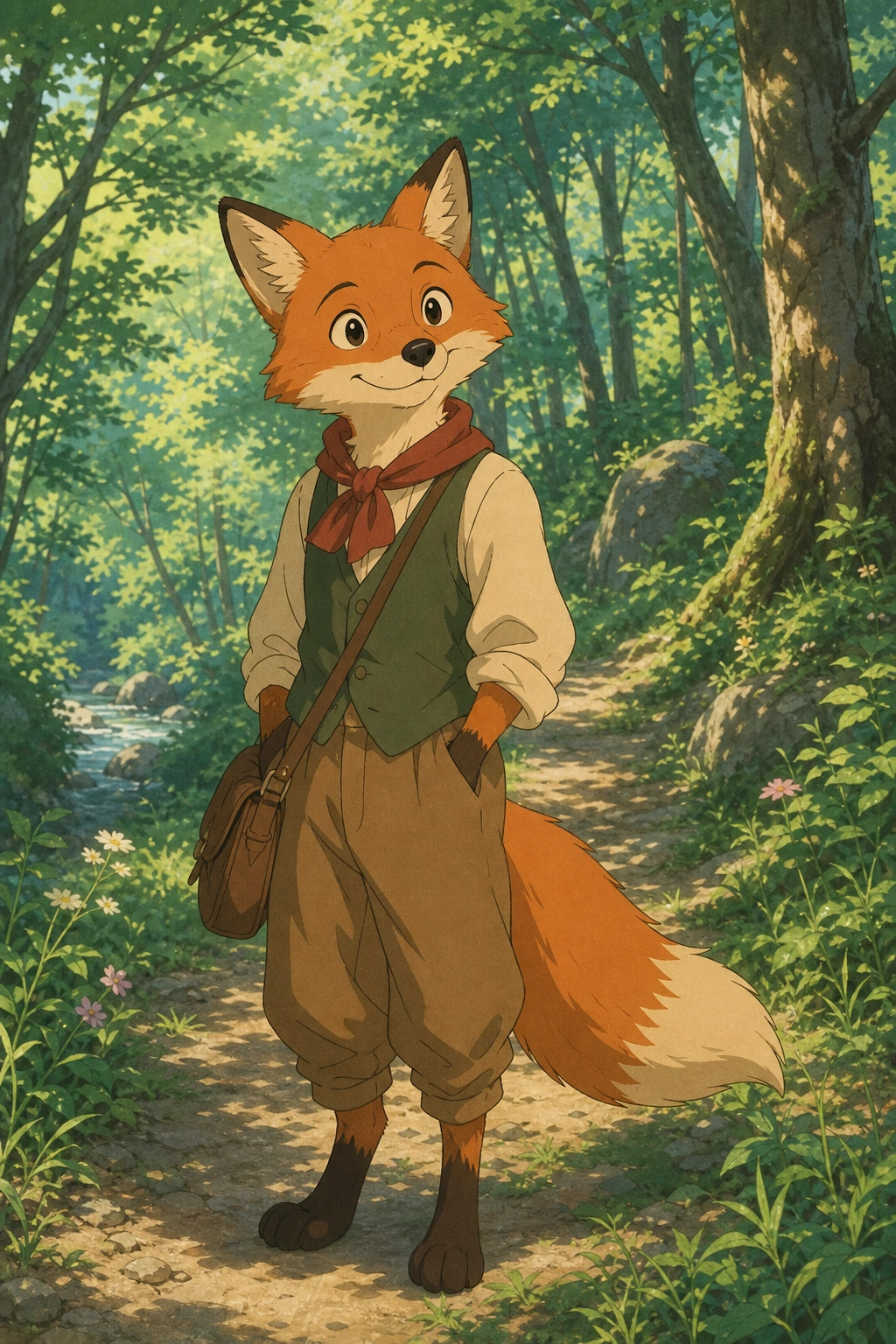
Featured output
Sample outputs from GPT Image 2
What's new in GPT Image 2 vs GPT Image 1
GPT Image 1 (released August 2025) was already a strong text renderer, but it failed in three specific ways that designers hit constantly: it could not handle more than ~12 words of legible in-image text, it lost spatial fidelity when given more than one reference image, and it would silently re-imagine "untouched" regions during an edit. GPT Image 2 fixes all three.
| Capability | GPT Image 1 | GPT Image 2 |
|---|---|---|
| LLM-Stats arena score (May 2026) | not ranked top-10 | 534 (#1) |
| Max in-image legible text | ~12 words | paragraph-length (verified on Ropewalk prompts) |
| Multi-image reference fusion | 1 image reliably | up to 4 images, character & object consistency preserved |
| Edit pixel-stability outside the masked region | drifts on iteration 2+ | stable across 4–6 passes |
| Underlying model | GPT-4o image backbone | GPT-5 multimodal backbone |
| Latency on Ropewalk (1024×1024) | ~12 s | ~8–10 s |
The headline upgrade is the GPT-5 multimodal backbone. Where GPT Image 1 essentially bolted an image head onto GPT-4o, GPT Image 2 was trained alongside GPT-5 from the start, which is why instruction-following and text rendering both improved at the same time — they are two sides of the same alignment work. If you already wrote prompts for GPT Image 1, they all transfer directly; expect noticeably better output without changing a word.
Why GPT Image 2 dominates text rendering in 2026
Text-in-image was "always a disaster" through 2025 — Stable Diffusion 3, FLUX 1.1, and Midjourney v6 all produced garbled letterforms once you asked for more than a single short word. GPT Image 2, Imagen 4, and Ideogram v3 changed the landscape in 2026: all three now handle full sentences. GPT Image 2 leads the trio for three structural reasons.
- Token-aware text grounding — the model is trained to treat the requested text string as a token sequence anchored in the image, not as a visual texture to imitate. The result: letterforms have correct internal proportions and kerning even at small scales.
- Punctuation and casing survive scaling — apostrophes, quotation marks, and dashes render correctly down to ~24 px tall in a 1024×1024 image.
- Multi-line composition — GPT Image 2 understands "first line says X, second line says Y" instructions, where previous models would smear the lines into a single illegible block.
The practical effect: GPT Image 2 is the first AI image model where you can mock up an entire menu board, a magazine cover with legible cover-lines, or a packaging label with the ingredient list — in one generation, no retouching pass needed.
How to use GPT Image 2 on Ropewalk in 4 steps
The full path from sign-in to first generation is roughly 30 seconds. New accounts ship with free coins on signup — enough to test before committing to a topup. See pricing for plan details.
- Open GPT Image 2 on Ropewalk (or pick it from the model switcher inside /chat).
- Type your prompt — or, for an edit pass, drag an existing image onto the prompt area.
- Pick output size (square 1024×1024, portrait 1024×1792, landscape 1792×1024).
- Hit Generate. Output arrives in 8–10 seconds for 1024×1024, 12–18 seconds for larger sizes.
For multi-image fusion (a logo + a product photo + a background plate, for example), drag all three images in at once. GPT Image 2 keeps the brand colors of the logo, the perspective of the product, and the lighting of the background plate without you having to spell that out.
Three prompt patterns that hit hardest
Pattern 1 — Text-heavy designs (signs, posters, packaging)
Pattern 2 — Editorial photography with legible labels
Pattern 3 — Instruction-based edits on an existing image
For image edits, upload a source image first, then use a short instruction:
This is where GPT Image 2's pixel-stability shines: across four sequential edits ("change shirt to navy" → "add a small embroidered logo on the chest" → "make the lighting warmer" → "blur the background slightly"), the subject's face stays identical — no drift, no soft re-rendering of un-edited regions.
When to choose GPT Image 2 vs other 2026 flagships
GPT Image 2 is not always the right answer. Three head-to-heads worth knowing:
| Job | Best model in 2026 | Why |
|---|---|---|
| Maximum photorealism (skin pores, fabric weave) | Imagen 4 Ultra | Trained on Google's editorial photo corpus; consistently the hardest 2026 model to distinguish from real photography. |
| Free / fast everyday image generation | Nano Banana 2 | Free tier, conversational editing, multi-image fusion, fast turnaround. |
| Brand-consistent design + SVG output | Recraft V4 Pro | Brand-style training, native SVG export — designed for graphic-design pipelines. |
| Speed + quality balance for large batches | FLUX 2 Pro | ~4.5s generation, supports up to 4 reference images. |
| Cost-optimized GPT Image variant | GPT Image 1 Mini | ~4× cheaper per token than GPT Image 2, same prompt language. |
For a head-to-head comparison across all four flagships on the same five prompts, see our GPT Image 2 vs Nano Banana 2 vs Imagen 4 vs FLUX 2 comparison (coming soon) or the broader best AI image generator 2026 ranking.
Pricing on Ropewalk
GPT Image 2 uses OpenAI's token-based pricing, so cost scales with the request — output size, number of reference images, and prompt length all factor in. The live model card above shows the current per-generation cost in coins. For volume work where cost matters more than peak quality, the GPT Image 1 Mini variant is roughly 4× cheaper per token and supports the same prompt patterns.
All new Ropewalk accounts include free coins on signup — enough to test GPT Image 2 across the three prompt patterns above before topping up. See pricing for full plan details.
Limitations to plan around
- Faces of real people — GPT Image 2, like all OpenAI image models, refuses prompts that depict identifiable real public figures. For likeness work (consistent character across multiple images), pair an Instant ID identity lock with a generator that accepts reference faces.
- NSFW content — refused at the API level. Not a workaround target.
- Very long text strings — paragraph-length text inside an image is legible, but full pages of body copy still degrade past roughly 100 words.
- Exact brand-color matching — close, not pixel-perfect. Describe the color verbally ("Pantone-style deep navy") and budget one revision pass.
Start generating with GPT Image 2
GPT Image 2 is live on Ropewalk for every account, no waitlist. Open the model page, drop in any prompt from this guide, and the first output arrives in under 10 seconds.
Comments
Comments feature coming soon! Stay tuned.