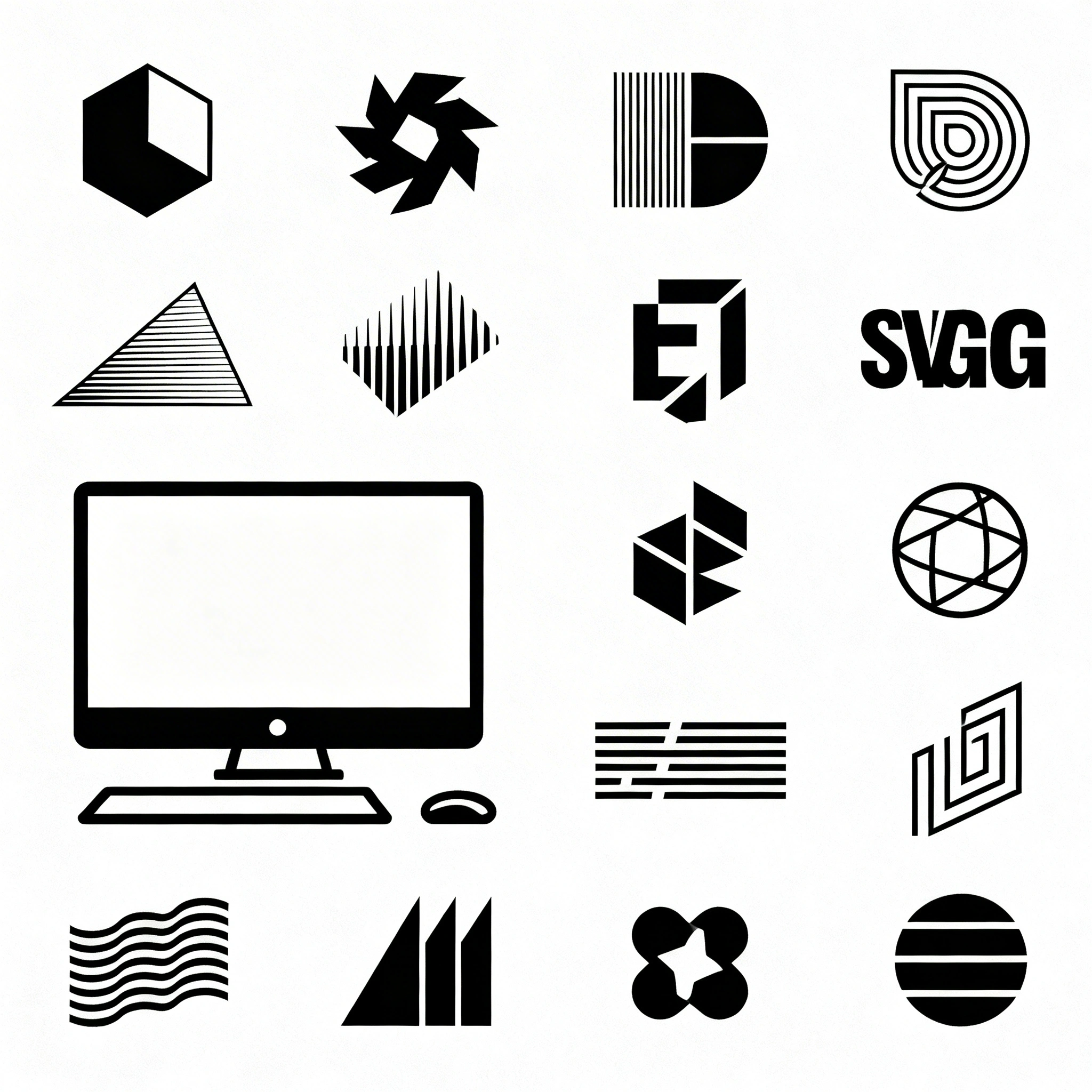
Recraft V4 Family: AI Image Generation Built for Designers
Recraft V4 brings design taste to AI image generation. Four models — V4, V4 Pro, V4 SVG, V4 Pro SVG — each targeting a specific professional use case from rapid social media work to print-ready assets and native vector graphics.
Recraft V4 Family: AI Image Generation Built for Designers
By Ropewalk Team. Tested on 2026-04-29 across 180+ generations on ropewalk.ai/chat.
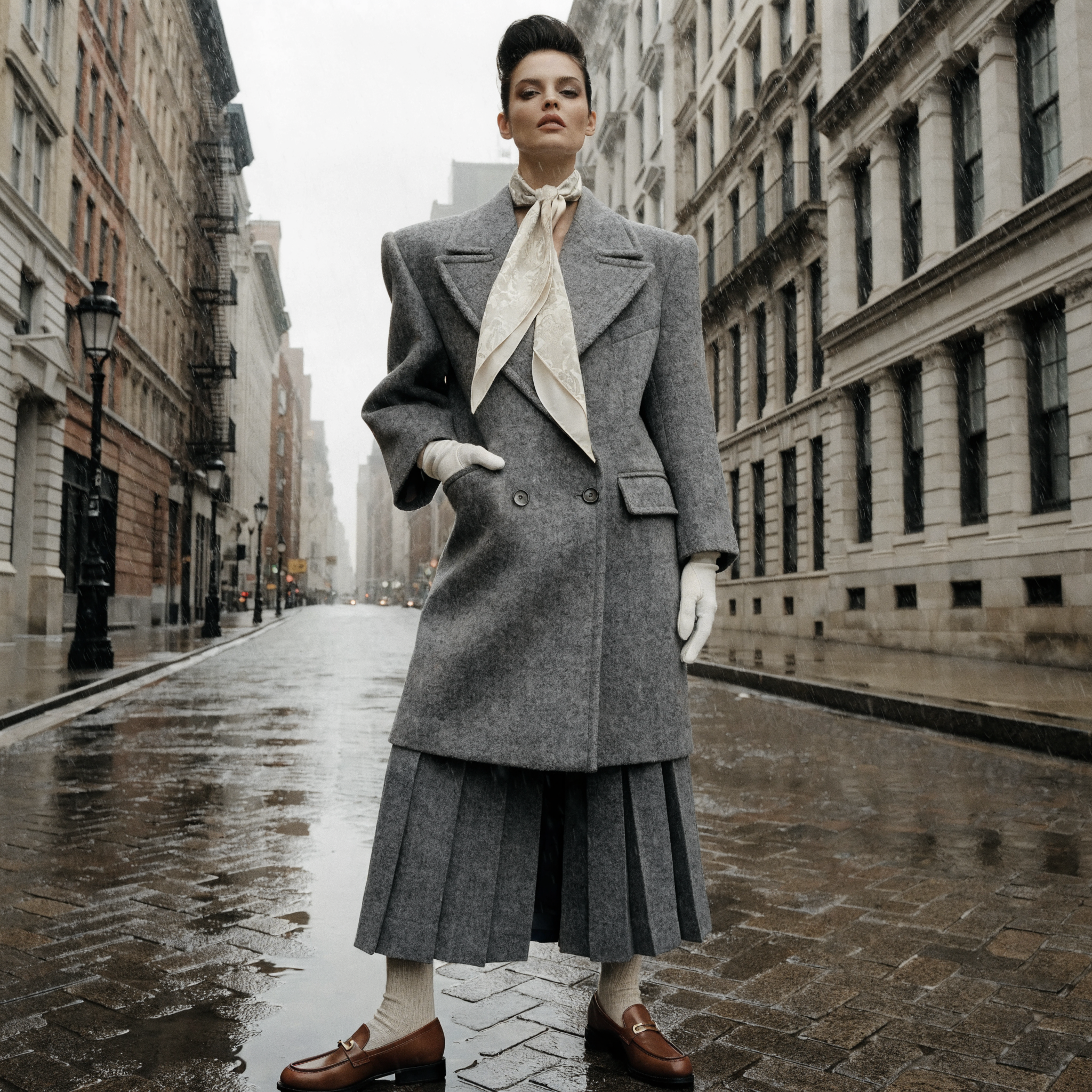
Most AI image models are trained to please everyone. Recraft V4 was built to please designers. Released in February 2026, the family brings something genuinely different to text-to-image generation: design taste. Not a filter, not a style preset — actual aesthetic judgment baked into the model's core. Outputs feel art-directed rather than algorithmically averaged, even from short prompts. The lineup spans four variants: Recraft V4, V4 Pro, V4 SVG, and V4 Pro SVG. The SVG branch is the unique selling point of the family — it is the only image model line on Ropewalk that emits native, editable vector files instead of raster output. This guide breaks down each variant, when to choose it, how it compares to FLUX 2 Pro and Seedream 4 for design work specifically, and the prompt patterns that get the most out of it.
Quick Answer
The Recraft V4 family is four AI image models tuned for professional design work: V4 (fast raster, ~10s), V4 Pro (high-res raster up to 3072px, ~28s), V4 SVG (native vector logos and icons), and V4 Pro SVG (detailed vector illustrations). For brand assets, logos, icons, and anything that must scale, choose an SVG variant. For photoreal work, FLUX 2 Pro and Seedream 4 still win. Open /chat, pick your variant, and prompt with design language — composition, palette, type — not just subject.
Why Recraft V4 Is Different
Most image models optimize for broad appeal: outputs that look impressive to a general audience scrolling a feed. Recraft V4 was developed in close collaboration with working designers and tuned around professional expectations — composition that feels deliberate, color relationships that resolve, lighting that reads correctly, typography that integrates rather than overlays. The model treats text as a structural element of the image, not a decal stuck on after generation, which is why posters and product labels come out looking laid out rather than generated. The other defining feature: Recraft is the only image generation family on Ropewalk that produces native vector output. The SVG variants do not trace rasters into vectors after the fact — they generate actual editable SVG geometry with clean paths and structured layers, ready to open in Illustrator, Figma, or Sketch and edit by hand.
The Four Models
Recraft V4 — Design Taste at Speed
Best for: Social media, web assets, concept exploration, fast iteration. V4 is the everyday workhorse of the family. It generates images at roughly 1024px in about ten seconds, which makes it practical for rapid iteration and high-volume work. What separates it from other fast raster models is the aesthetic quality of the output — V4 makes intentional decisions about where the eye should travel, how light should fall, and what the palette should do. Images arrive looking considered. Prompts can run up to 10,000 characters, which means you can describe brand voice, composition, palette, and type treatment without compression. Aspect ratios cover 1:1, 4:3, 3:2, 16:9, 9:16, and several portrait variants. Commercial use is included on every plan. Surreal or abstract prompts come out more restrained than on FLUX 2 Pro — V4 is tuned for taste, not wildness. For maximum photorealism at scale, upgrade to V4 Pro.
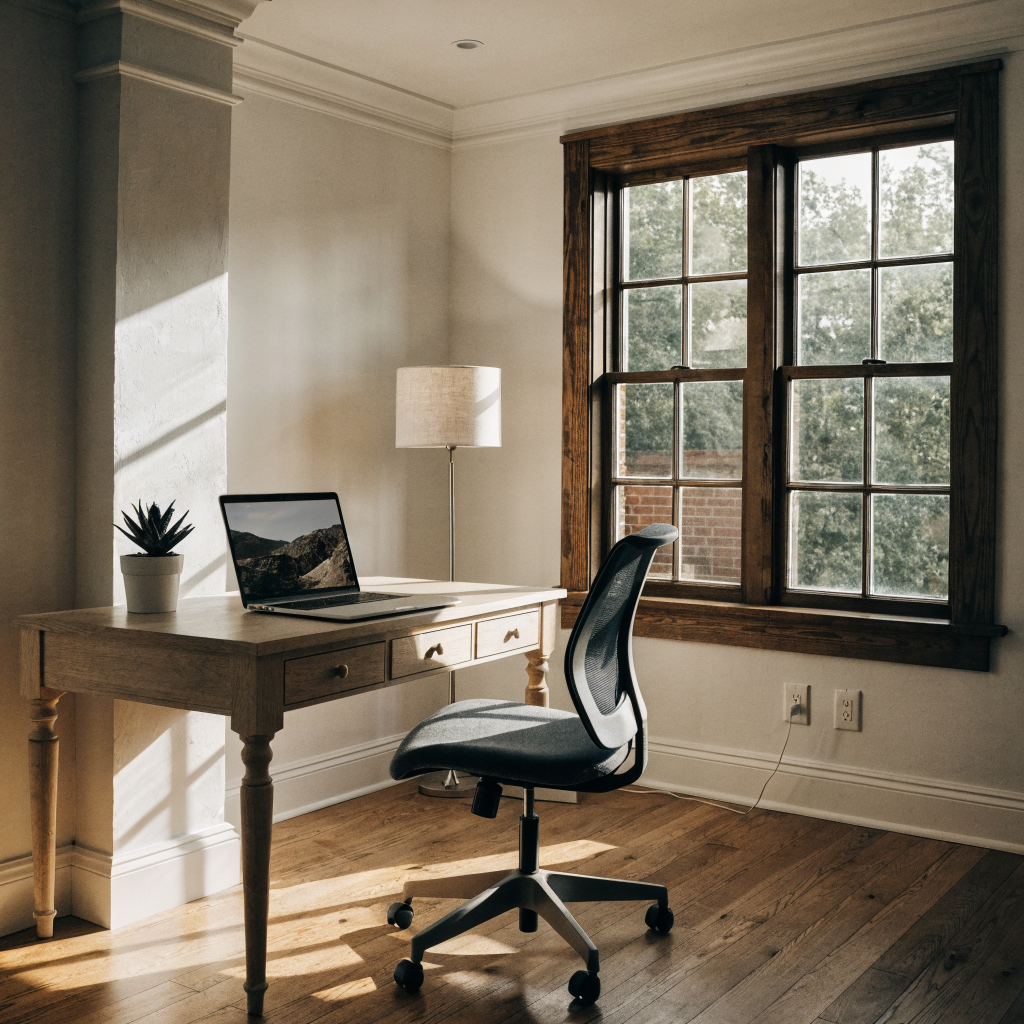
Recraft V4 Pro — Print-Ready Quality
Best for: Print production, packaging, editorial spreads, large-format displays. V4 Pro is V4 at twice the resolution — same design taste, same prompt adherence, same creative range. The difference is the output: 2048×2048 base resolution with support up to 3072px on the long side. Anything destined for paper, fabric, packaging, or a wall — a poster, product carton, billboard mockup, or magazine spread — needs that headroom, and V4 Pro is the appropriate tool. The tradeoff is generation time. A V4 Pro image takes roughly 28 seconds versus 10 for V4, so iterate on V4 first, then switch to Pro for the final pass. Integrated text rendering scales cleanly at the higher resolution, which matters for editorial typography and packaging copy. If your output is destined only for screens — social, web, app — V4's 1024px output is sufficient and meaningfully faster. Reserve V4 Pro for work that prints or displays large.

Recraft V4 SVG — Native Vector Generation
Best for: Logos, brand assets, icons, illustrations for web and print. This is where Recraft does something no other image model on Ropewalk does — it generates real vector graphics. The output is an editable SVG file: native geometry with clean paths and structured layers, not a raster image converted to SVG after the fact. Open the file in Illustrator and edit the paths. Open it in Figma and recolor it. Drop it into a CSS background and scale it from favicon to billboard with no quality loss. It behaves like a file you drew because, structurally, it is. The design taste from V4 carries directly into the vector output: balanced composition, cohesive color, refined linework. You are not getting a competent vector tracing of a mediocre AI raster — you are getting a designed vector file. Aspect ratios match the raster variants, and commercial use is included.
Use cases: Brand identity work — logos, wordmarks, monograms. Illustrations for web and print. Icon sets and graphic libraries. Product design elements and packaging graphics. Social media assets that need to scale to any container.
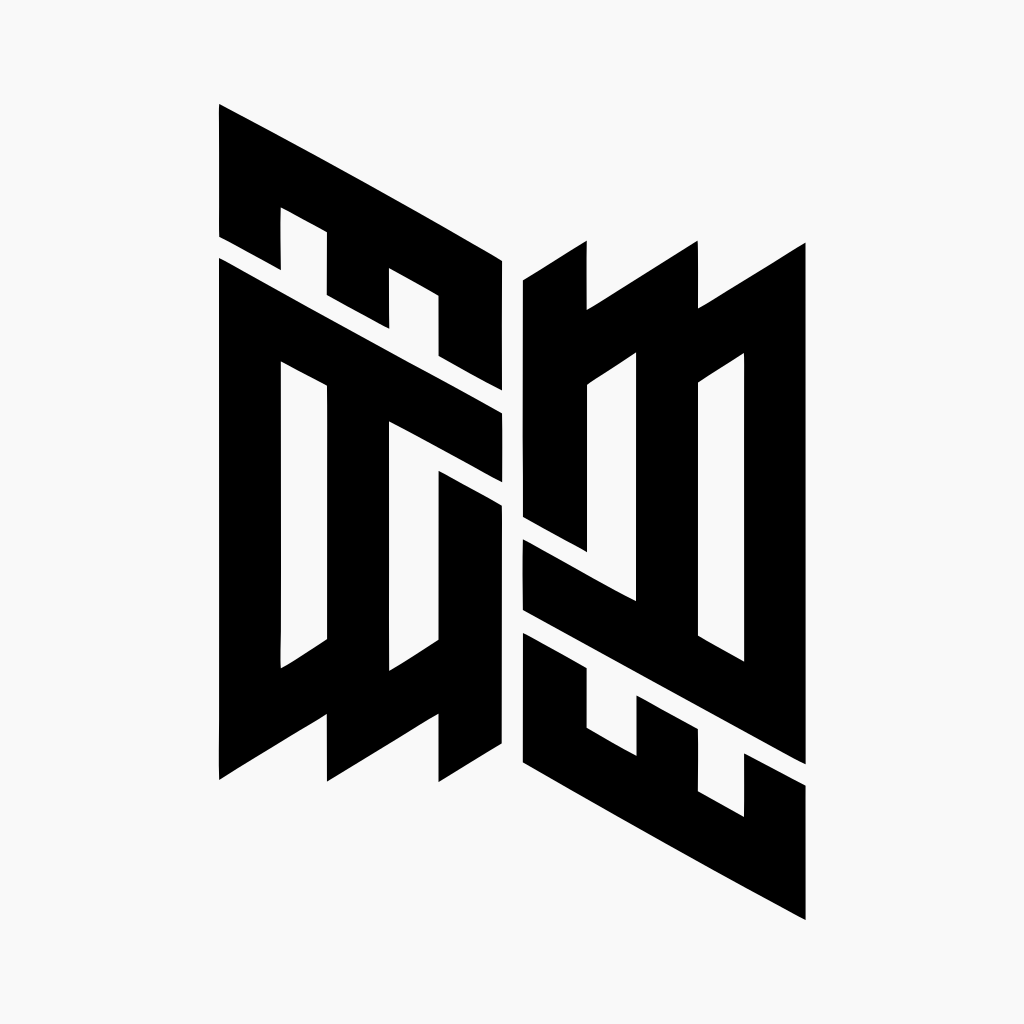
Recraft V4 Pro SVG — Detailed Vectors
Best for: Complex illustrations, large-format brand assets, high-fidelity design systems. V4 Pro SVG is to V4 SVG what V4 Pro is to V4 — more geometric precision, finer paths, more structural detail. For a favicon or a simple icon, V4 SVG is the right call and the faster choice. For a detailed botanical illustration that needs to print at three meters wide, a design system component that must hold up at every size from 16px to 1024px, or a brand mural with intricate linework, V4 Pro SVG is the upgrade. Because the output is SVG, scaling is mathematically free — the resolution advantage is in the density and quality of the paths the model produces, not in pixel count. The result is vector files complex enough for production print without the cleanup pass that traced or auto-converted vectors usually require.
Use cases: Large-format brand assets — billboards, signage, trade-show graphics. Detailed editorial illustrations. High-fidelity icon sets and design system components. Packaging graphics with complex linework. Print illustrations that need to hold up under magnification.
Recraft V4 vs FLUX 2 Pro vs Seedream 4 for Design Work
For pure photorealism — fashion editorials, product hero shots, portraiture — FLUX 2 Pro and Seedream 4 still set the bar. FLUX 2 Pro wins on long descriptive prompts and surreal-but-photoreal scenes; Seedream 4 wins on skin and natural-light photography. Recraft V4 Pro is competitive but slightly more "designed" looking, which can be a feature or a limitation depending on the brief. For typography integration — posters, packaging copy, in-image headlines — Recraft V4 leads the pack. The model treats text as composition rather than overlay, and the legibility holds at the resolutions V4 Pro produces. For logos, icons, and any asset that must scale, Recraft V4 SVG and Pro SVG are the only correct choice on the platform — neither FLUX 2 Pro nor Seedream 4 emits vector output, and post-tracing rasterized AI art rarely produces clean enough geometry to use without manual rebuild. Use Recraft when the brief is design-led; use FLUX 2 Pro or Seedream 4 when the brief is photo-led.
Choosing the Right Recraft Model
| Use Case | Model |
|---|---|
| Social media, web assets, concept work | Recraft V4 |
| Print, packaging, large-format raster | Recraft V4 Pro |
| Logos, brand marks, icons | Recraft V4 SVG |
| Complex illustrations, design systems | Recraft V4 Pro SVG |
| Fast iteration at high volume | Recraft V4 |
| Billboards, signage, trade-show graphics | Recraft V4 Pro SVG |
| Photoreal hero imagery | FLUX 2 Pro or Seedream 4 |
The simple rule: if the asset must scale infinitely, use SVG. If it stays raster, choose between V4 (speed) and V4 Pro (resolution). When in doubt, draft on V4, then upgrade.
Prompting Tips for Recraft V4
Lead with the aesthetic, not just the subject. Recraft responds to design language. Instead of "a coffee mug," try "minimalist product shot of a matte ceramic mug, editorial photography style, clean composition, soft window light." Tell the model how it should look, not only what should be in it. Typography works — describe it explicitly. If the image needs an integrated headline, product label, or wordmark, name it: "the word NOIR in large serif type integrated into the lower-left composition." Recraft will treat it as a structural element. For SVG, describe geometry. Vector-native prompts work better than photographic ones. "Minimal geometric logo mark," "icon with clean 2px stroke," "abstract shape built from overlapping circles" produce cleaner paths than "logo of a fox in a forest." Use the prompt budget. V4 accepts 10,000 characters. Specify focal point, palette, named visual references, brand mood — the model follows detail more faithfully than most.
5 Prompts to Start With
1. Product Photography (Recraft V4): Flat lay of skincare products on white linen, soft overcast light, editorial composition, fine packaging texture visible, minimal premium feel.
2. Editorial Portrait (Recraft V4 Pro): Close-up portrait of a person in their 50s with strong bone structure, available window light, slight film grain, desaturated palette with warm skin tones, documentary photography.
3. Brand Logo (Recraft V4 SVG): Clean wordmark logo for "FORMA" in custom geometric sans-serif, balanced letter spacing, minimal and architectural, premium brand identity.
4. Icon Set (Recraft V4 SVG): Set of six minimal line icons for a productivity app — calendar, task list, timer, notification bell, settings gear, user profile — consistent 2px stroke, rounded terminals.
5. Detailed Illustration (Recraft V4 Pro SVG): Architectural cross-section of a modern house, technical drawing style with fine linework, showing interior layout, structural elements, and landscaping, suitable for large-format print.
Getting Started on Ropewalk
All four Recraft V4 models are live on Ropewalk. Pricing per generation is on /pricing. The practical flow: identify the output need (raster or vector, screen or print), pick the right variant from the table above, write a prompt that leads with aesthetic direction, generate a draft on V4 or V4 SVG, then upgrade to a Pro variant for the final asset. For broader context on AI tools for designers, see the best AI tools for graphic designers in 2026 and the best AI logo maker of 2026.
The models are new. The design taste is real. Start with one prompt and see what comes back. Open chat and start creating →
Comments
Comments feature coming soon! Stay tuned.