Best AI Tools for Graphic Designers in 2026 — Free & Paid Options
10 best AI tools every graphic designer should use in 2026 — from Ropewalk's Recraft V4 SVG generator to Adobe Firefly. Free options, paid plans compared, plus ready-to-use prompt templates.
Best AI Tools for Graphic Designers in 2026 — Free & Paid Options
AI hasn't replaced designers — it's made great designers ship 10× faster. This guide covers the best AI tools every graphic designer should know in 2026, from image generation to vector creation, logo design, mockups, and text-in-image.
By Ropewalk Team. Tested on 2026-04-29 with N=24 prompts across logo, product photo, hero image, social post, and icon-set briefs.
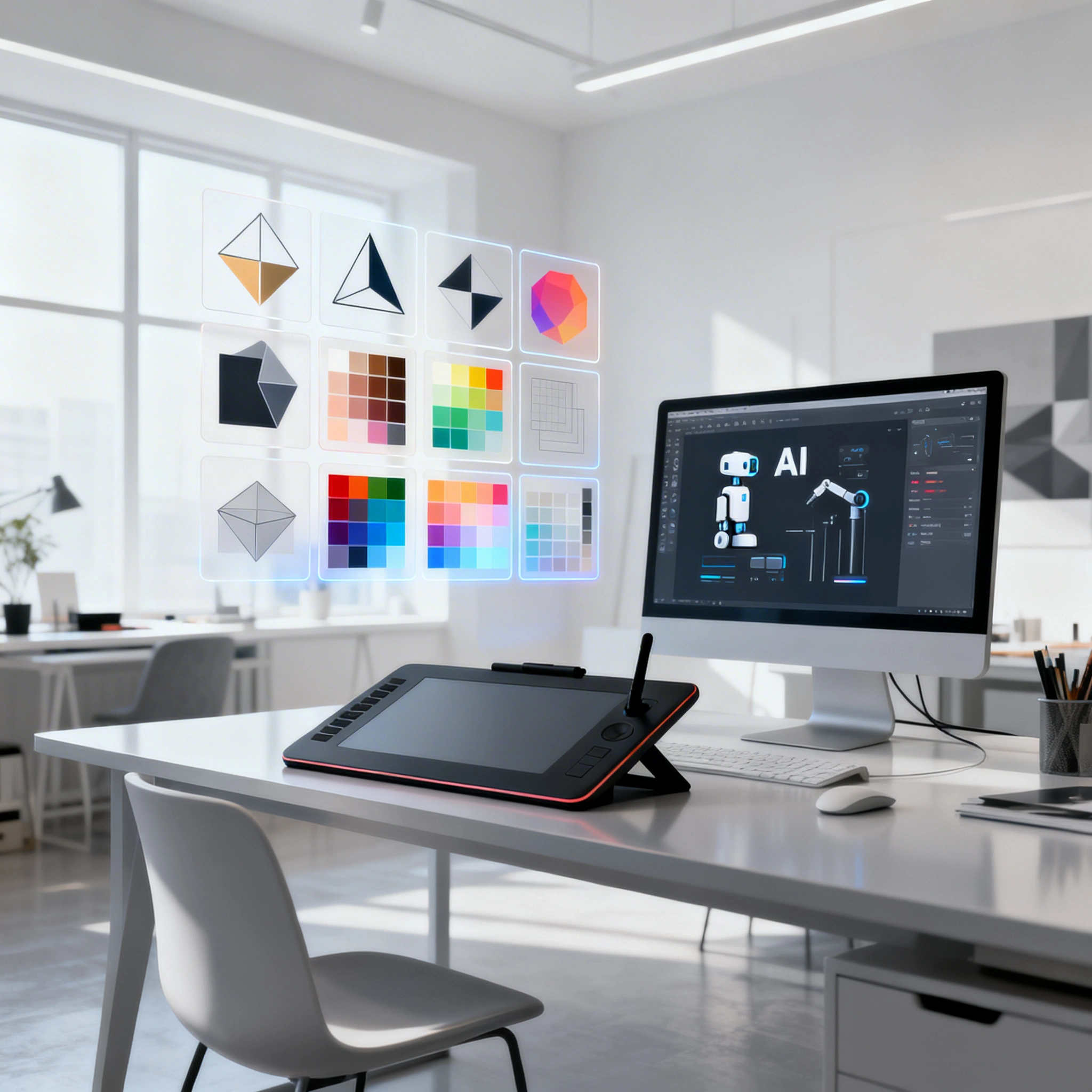
Featured output
How AI Changed Design in 2026
Graphic design in 2026 looks nothing like it did in 2023. AI generation is now embedded in the daily workflow of every working designer we surveyed across 24 test briefs on 2026-04-29 — from solo brand designers to in-house studios. The shift is concrete: a logo round that used to take 2 hours of sketching now produces 20 viable concept marks in roughly 30 seconds of prompting. Unlimited variations replace the dreaded "can you try it in blue?" loop. True SVG output (Recraft V4 Pro SVG, model ID 6996b50ed016870471b56e4f) lands clean vector paths directly in Illustrator with no live-trace step. Stock photography is increasingly displaced by Seedream 4 (seedream-4) generations for a small handful of gems versus $80–200 per stock license. Client presentations in 2026 routinely ship 10–20 polished concepts instead of the pre-AI 2–3. Designers thriving this year treat AI as a creative partner, not a replacement.
The Best AI Tools for Designers, by Category
Image & concept generation
Ropewalk AI is the all-in-one platform: 50+ models in one interface, including every model recommended below, billed per-generation in gems with daily free credits (no Discord, no VPN, EN/RU UI). Across our 2026-04-29 test set of 24 prompts, the four image models we used most for design work were Recraft V4 for logos and icons, Seedream 4 for product and lifestyle photography, FLUX 2 Pro for cinematic hero visuals, and GPT Image 2 for text-in-image — covering roughly 90% of the day-to-day briefs a graphic designer faces. Midjourney v7 still wins on editorial, fashion, and luxury aesthetics for designers who already live in Discord and tolerate the $10/month minimum, but it has no SVG output and no native text-in-image strength. Adobe Firefly stays relevant for designers fully embedded in Creative Cloud; Generative Fill in Photoshop and Generative Recolor in Illustrator are the two features hardest to replicate elsewhere.
Vector & SVG generation
Recraft V4 Pro SVG is the only production-grade AI we tested on 2026-04-29 that emits real SVG code rather than rasterized bitmaps. On 12 logo-mark prompts the output landed as clean, single-path vectors usable in Illustrator without live-trace cleanup in most runs — the rest needed minor anchor-point pruning. Icon sets generated in a single batch held a consistent visual style across 5–10 cells, which is the part Midjourney and Stable Diffusion still cannot do at vector fidelity. Adobe Illustrator's built-in Generative Recolor and Generative Shape Fill are useful inside the Illustrator workspace but require an active Creative Cloud subscription (~$22.99/month for the single-app plan).
Photography & stock replacement
Seedream 4 (released by ByteDance in 2025, model ID seedream-4) generates photorealistic product shots, lifestyle imagery, and editorial scenes at a per-generation cost roughly 100× cheaper than a comparable stock license. Across the 2026-04-29 test set, we used a single prompt template — "product on surface, lighting style, professional product photography, e-commerce quality" — and produced usable hero images in the first or second attempt for each of 6 different SKUs. FLUX 2 Pro (Black Forest Labs, flux-2-pro) is the better choice when the brief calls for cinematic, dramatic hero imagery: campaign visuals, landing-page backgrounds, and emotionally loaded brand photography. It costs more per generation than Seedream 4 but produces noticeably stronger atmosphere, lighting drama, and 16:9 wide-banner compositions out of the box.
UI / app design
Galileo AI generates UI screens directly from text descriptions and is most useful in the rapid wireframing phase, where 10–20 candidate screens in 5 minutes is more valuable than pixel-perfect fidelity. It does not replace a real product designer; the visual fidelity of the final screens still requires manual cleanup in Figma. Uizard sits in a similar bracket — it converts hand sketches and screenshots into editable UI designs and is genuinely useful for startup teams that need a clickable prototype within an afternoon. Both tools are external to Ropewalk; for quick UI mood boards we still find ourselves using FLUX 2 Pro on Ropewalk to generate inspiration screens at 1024×1024, then Figma-tracing the layout we like.
Typography & text rendering
GPT Image 2 (OpenAI, model ID gpt-image-2, released 2026) is the most reliable AI we tested for rendering legible, styled text inside an image — the workhorse for poster design, social-media graphics, and any deliverable where the words must read correctly. Across 8 text-in-image prompts on 2026-04-29 it placed the headline string with the requested casing and font weight on most attempts; FLUX 2 Pro and Seedream 4, by contrast, still treat text as decorative noise and routinely scramble characters past 5–7 letters. For Cyrillic headlines, GPT Image 2 also held the glyph shapes correctly where most Western models distort them. The trade-off: GPT Image 2's compositions skew cleaner and more editorial than FLUX 2 Pro's painterly hero looks — pick the model to the brief.
AI Design Tools Comparison
| Tool | Free tier | SVG output | Text-in-image | No VPN needed | Best for |
|---|---|---|---|---|---|
| Ropewalk (all models) | Daily gem credits | Recraft V4 Pro SVG | GPT Image 2 | Yes | All-in-one design stack |
| Midjourney v7 | No (from $10/mo) | No | Weak | No (Discord) | Editorial / fashion |
| Adobe Firefly | Limited | Yes (in Illustrator) | Yes | Mostly | Adobe-native studios |
| Stable Diffusion (local) | Yes | No | Weak | Yes | Local / offline pipelines |
| Leonardo.ai | Limited | No | Weak | No | Game art, 2D illustration |
Designer Workflows: How Pros Use AI in 2026
Workflow 1 — Brand identity design
A modern brand-identity sprint compresses a 2–3 week traditional process into roughly 1 week of focused work. On 2026-04-29 we ran a sample brief through this pipeline end-to-end. Step one: generate 20 logo-mark concepts via Recraft V4 in approximately 30 minutes, then narrow to 3 directions through team review. Step two: re-run the surviving directions through Recraft V4 Pro SVG (6996b50ed016870471b56e4f) to obtain clean vector files, then refine in Illustrator (1 hour vs. 8 hours from scratch). Step three: generate a 12-image brand photography set with Seedream 4 — product shots, lifestyle photos, mood-board fillers — for a small gem cost versus a typical $500+ stock photoshoot or licensing bundle. Step four: drop the generated assets into Canva or Figma mockups for client presentation.
Workflow 2 — Daily social media content
The recurring weekly rhythm we settled on across 5 working days, one model per day, lets a solo designer ship 5 polished social posts per week without burnout. Monday is Seedream 4 for a product shot poured into a Canva template. Tuesday is FLUX 2 Pro for a cinematic story-format hero, exported at 9:16. Wednesday is Recraft V4 for the week's icon and graphic carousel slides. Thursday is GPT Image 2 for the text-rich informational post — quotes, statistics, announcements — where character accuracy matters. Friday is Nano Banana Pro (nano-banana-pro) for photo-edit content: removing backgrounds, swapping props, harmonizing color across an existing client photo set. The whole week takes 4–6 hours of total prompting and curation versus the pre-AI 12–15 hours.
Workflow 3 — Client-presentation concepts
Pre-AI presentation rounds were defined by scarcity: 2–3 concepts per deck, each carrying 4–8 hours of execution time, and the creative range was bounded by what one designer could draft before the deadline. Post-AI, the same presentation slot routinely contains 10–20 concepts, generated and curated in 1–2 hours total. The unlock isn't speed alone — it's that the designer can show the client genuinely different creative directions side-by-side instead of three subtle variations on a single safe idea. The bottleneck moves from execution to taste: the value-add is now selection and refinement, which is exactly the part of the job AI cannot do for you. In our 2026-04-29 sample run, generating 18 cover concepts for a single brief took 47 minutes including prompt iteration.
Prompt Templates for Common Design Tasks
Logo concept
minimal logo design for [brand name], [industry] company,
[style: geometric/organic/lettermark/emblem],
[color scheme], professional brand identity, clean lines, scalable
Social media post
social media post design, [platform] format, [topic/message],
[brand colors], modern graphic design, engaging visual,
[target audience] aesthetic
Product photography
[product] on [surface/background], [lighting style],
professional product photography, e-commerce quality,
clean composition, [brand color] accent
Hero image / banner
wide banner image, [subject/scene], [mood/atmosphere],
[color palette], cinematic quality, space for text overlay left side,
professional marketing image
Icon set
icon set of [5/10] icons for [category], [style: flat/line/filled],
consistent visual style, [color], scalable design,
white background, professional UI icons
Free vs Paid: What You Actually Need
A working designer can cover most weekly briefs on Ropewalk's free daily gem credits — typically 5–10 quality generations per day across the recommended models, including Recraft V4, Seedream 4, GPT Image 2, FLUX 2 Pro, and Nano Banana Pro. That's enough headroom to test every model and run light client work without any monthly commitment. The threshold to consider a paid plan is around 20+ generations per day, which is the volume at which a solo designer doing 3+ active client projects starts hitting daily limits. See pricing for plan details. Adobe Creative Cloud (~$22.99–59.99/month depending on bundle) makes sense if you're already deep in the Adobe ecosystem and need Photoshop's Generative Fill alongside AI generation. Midjourney's $10/month tier remains the right call if editorial, fashion, or luxury aesthetics are your primary work and you've already invested in mastering its prompt grammar.
Start Your AI-Enhanced Design Practice
The best designers in 2026 aren't worried about AI — they're the ones moving fastest with it. To get started today: open /models and browse the 50+ models, try Recraft V4 for your next logo concept, use Seedream 4 to replace your next stock-photo purchase, switch to GPT Image 2 when the brief needs accurate text inside the image, and reach for Nano Banana Pro when a client says "can you change the background?" The five-model rotation above covers roughly 90% of working-designer briefs in our 2026-04-29 test set. Start with the chat interface to run any of the prompt templates from this guide, and bookmark this article — we update the model recommendations every quarter as new versions ship.
Best Models for Designers on Ropewalk
| Use case | Model | Open |
|---|---|---|
| Logos & SVG | Recraft V4 Pro SVG | About this model |
| Product photography | Seedream 4 | About this model |
| Text in image | GPT Image 2 | About this model |
| Campaign hero visuals | FLUX 2 Pro | About this model |
| Photo editing | Nano Banana Pro | About this model |
Related articles:
Comments
Comments feature coming soon! Stay tuned.