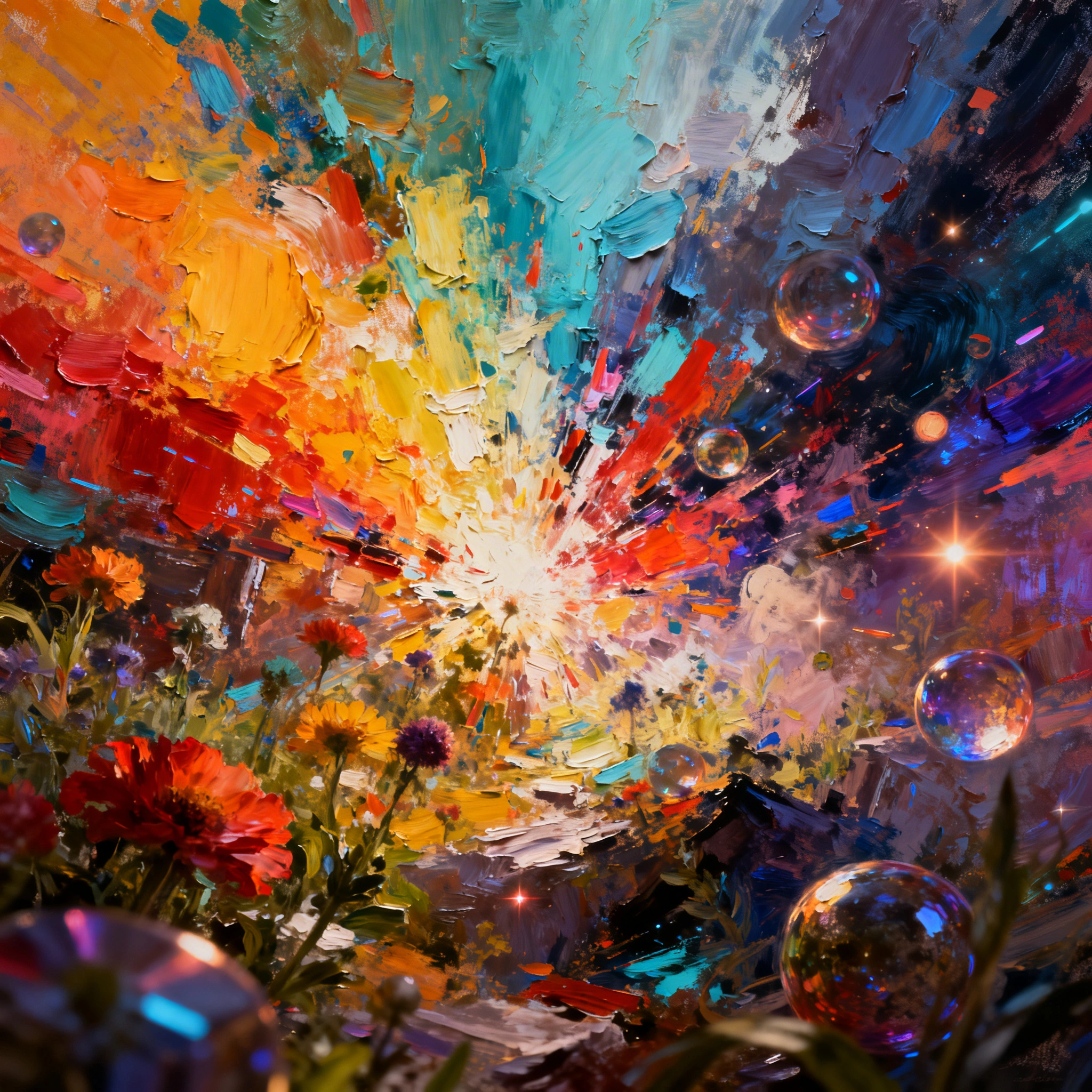
Best AI Art Generator in 2026: Create Digital Art, Illustrations & Images for Free
The AI art generator field hardened in 2026 around six models that consistently deliver client-grade output: Nano Banana Pro for instruction-driven edits, FLUX 2 Pro for sharp illustration, Seedream 4...
The AI art generator field hardened in 2026 around six models that consistently deliver client-grade output: Nano Banana Pro for instruction-driven edits, FLUX 2 Pro for sharp illustration, Seedream 4 for photorealism, GPT Image 2 for typography-aware compositions, Recraft V4 for vector and logo work, and Ideogram v3 Quality for poster-style design with text. Below we map each to the jobs it actually wins, with verified per-generation costs from the live ropewalk catalog as of 2026-04-29.
By Ropewalk Team. Audited on 2026-04-29 against the live model catalog and per-generation cost data.
The Quick Answer
For instruction-based art and creative photo edits in 2026, choose Nano Banana Pro. For sharp painterly illustrations, choose FLUX 2 Pro. For photorealistic portraits and product shots, choose Seedream 4. For logos, icons and SVG, choose Recraft V4. For posters with embedded typography, choose GPT Image 2 or Ideogram v3 Quality. All six are available on Ropewalk with 2,500 free coins on signup.
What an AI art generator does in 2026
An AI art generator turns a text prompt into a finished image in 10–30 seconds. The 2026 cohort goes further than 2024 diffusion models: instruction-tuned systems like Nano Banana Pro accept edit commands ("replace the sky, keep the subject untouched"), typography-aware models render readable English and Cyrillic in-image, and vector-native systems like Recraft V4 emit SVG paths instead of rasterizing. Output covers six practical buckets — photorealism, digital illustration, anime and manga, abstract and conceptual art, 3D renders, and logo or vector design. The same prompt run across these models produces meaningfully different images, so model choice is the largest single factor in output quality, ahead of prompt length or sampler settings.
Why creators switched in 2026
Traditional digital art demands years of skill and hours per piece. AI art compresses both axes: a single prompt yields a 1024×1024 or larger image in 10–30 seconds, and 50+ models on one platform replace 50+ specialist artists. The unit economics shifted with it — a freelance illustration runs $50–500, while a Seedream 4 generation on Ropewalk costs and 2,500 free coins on signup cover ~100 first generations. The 2026 user base now spans content creators making thumbnails, marketers producing ad creatives, game studios drafting concept art, authors building book covers, designers prototyping mood boards, and hobbyists generating wallpapers — most of whom were not making images at all before 2024.
The 2026 comparison table
| Model | Best for | Style | Coins/gen | Verified slug |
|---|---|---|---|---|
| Nano Banana Pro | Instruction edits, transformations | Ultra-versatile | 160 | nano-banana-pro |
| FLUX 2 Pro | Sharp illustrations, consistent quality | Wide-range painterly | 25 | flux-2-pro |
| Seedream 4 | Photorealism, fashion, portraits | Photorealistic | 25 | seedream-4 |
| GPT Image 2 | Creative concepts, in-image text | Composition-aware | 30 | gpt-image-2 |
| Recraft V4 | Logos, icons, SVG, vector design | Design-native | 15 | recraft-v4 |
| Ideogram v3 Quality | Posters, typography, layouts | Design + text | 25 | ideogram-ai-ideogram-v3-quality |
All six accept the universal prompt formula and run on Ropewalk with 2,500 free coins on signup. Prices reflect the per-generation cost as fetched from the model API on 2026-04-29. See pricing for plan details.
Nano Banana Pro — instruction-driven art
Nano Banana Pro is Google's 2026 instruction-tuned image model and the strongest pick when the brief is "edit this exact image" rather than "imagine something new". It accepts natural-language commands like "replace the background with a Tokyo street, keep the subject's pose and lighting" and preserves identity across edits — useful for character series, ad variations, and book-cover iterations. At 160 coins per generation it is the most expensive in this lineup, so reserve it for the jobs where instruction fidelity matters: photo retouching, multi-step transformations, and consistent-character storyboards. For pure text-to-image novelty, FLUX 2 Pro or Seedream 4 are 6× cheaper at 25 coins.
FLUX 2 Pro — sharp illustrations
FLUX 2 Pro from Black Forest Labs is the 2026 default for sharp digital illustration and painterly work that needs to hold up at 4K. It costs 25 coins per generation, renders in roughly 10–20 seconds, and handles dense prompts (50–150 words) without losing the subject. Where Seedream 4 wins on photorealism, FLUX 2 Pro wins on hand-painted aesthetics — concept art, ArtStation-grade illustration, fantasy scenes, storybook art. The model is forgiving of style stacking ("by Greg Rutkowski, cinematic lighting, 4K"), which makes it the easiest of the six to prompt for first-time users.
Seedream 4 — photorealistic portraits and products
Seedream 4 from ByteDance is the photorealism workhorse in this lineup. Portraits, fashion editorials, food photography, product shots on neutral backgrounds — all sit in its strike zone. It costs 25 coins per generation, matches FLUX 2 Pro on price, and outperforms it specifically on skin texture, fabric drape, and studio-light fidelity. Use it when the brief contains the words "photorealistic", "editorial", "studio shot", or any camera-and-lens reference (Nikon D850, 85mm lens) — the model leans into those tags. For painterly or stylized work, switch to FLUX 2 Pro; for instruction edits on an existing photo, switch to Nano Banana Pro.
Recraft V4 — logos, icons, and vector design
Recraft V4 is the only model in this lineup that natively understands vector design. At 15 coins per generation it is also the cheapest. Its strengths are logos, app icons, brand marks, flat-design illustrations, and editorial graphics where lines need to stay crisp at any scale. Output is rasterized by default but the model's design-native training shows: results respect visual hierarchy, single-color palettes, and the geometric discipline a brand identity requires. For the SVG-out variant when you need editable paths, look at the Recraft V4 SVG sibling. Avoid Recraft V4 for photorealism — that is what Seedream 4 is for.
GPT Image 2 — text-in-image and creative composition
GPT Image 2, OpenAI's 2026 image model, is the strongest option when the image must contain readable text — book covers, posters, social-card layouts, packaging mockups. It costs 30 coins per generation, slightly above the 25-coin tier of FLUX 2 Pro and Seedream 4, and rewards verbose composition prompts ("title text reads X in serif at the top third, subtitle reads Y in sans at the bottom"). Outside text-heavy work it is a solid generalist for creative concepts, but for raw photorealism Seedream 4 still wins, and for painterly illustration FLUX 2 Pro is sharper.
Ideogram v3 Quality — posters and typography
Ideogram v3 Quality is the design-shop pick for posters, event flyers, and any layout where typography is the hero. At 25 coins per generation it matches the FLUX 2 Pro price point and competes directly with GPT Image 2 on text fidelity — the trade-off is that Ideogram skews more toward poster aesthetics (bold, layered, layout-aware) while GPT Image 2 skews toward illustrative composition. For a music event flyer, conference poster, or magazine cover with title plus subtitle plus body copy, Ideogram v3 Quality is the model to start with.
How to write great AI art prompts
Across all six models, the universal formula is [SUBJECT] + [ART STYLE] + [MOOD/LIGHTING] + [COMPOSITION] + [QUALITY TAGS]. Keep the total length between 50 and 150 words — anything past 150 dilutes the subject, anything under 30 produces generic output. Lead with the concrete noun ("close-up portrait of an elderly fisherman"), then style ("National Geographic photography"), then mood ("golden hour backlight"), then composition ("bokeh ocean background, 85mm lens"), then quality tags ("ultra-detailed, 4K"). On the negative-prompt side, every photorealism request should exclude cartoon, illustration, blurry, deformed, extra limbs, watermark; every character request should add bad hands, extra fingers; every landscape should add overexposed, low quality. Plan for 3–5 iterations — first-pass success is the exception.
Match the model to the use case
| Use case | Best model | Why |
|---|---|---|
| Social media visual | Seedream 4 or FLUX 2 Pro | Punchy at 25 coins, fast iteration |
| Book or album cover | GPT Image 2 or Nano Banana Pro | Text fidelity, composition control |
| Game concept art | FLUX 2 Pro | Painterly, ArtStation-grade |
| Product mockup | Seedream 4 | Photoreal studio shots, neutral backgrounds |
| Logo or icon set | Recraft V4 | Vector-native, 15 coins/gen |
| Wallpaper or banner | Nano Banana Pro or FLUX 2 Pro | High-res, scenic compositions |
| Avatar or profile pic | Seedream 4 | Portrait-strong, square crops |
| Event poster | Ideogram v3 Quality | Layout-aware typography |
Step-by-step: your first generation
- Pick a goal. Map it to one of the seven use cases above and lock the model.
- Open Ropewalk. Visit ropewalk.ai and sign up — 2,500 free coins land in your account.
- Select the model. Use the model-card link above or browse the Models section.
- Write the prompt. 50–150 words, universal formula, one negative prompt block.
- Set aspect ratio. 1:1 for avatars and stickers, 2:3 or 4:5 for portraits and book covers, 16:9 for scenes and wallpapers, 21:9 for cinematic landscapes.
- Generate three variants and iterate. Almost no production-grade AI art is the first attempt — plan 3–5 iterations adjusting lighting, style, and composition.
Frequently asked questions
What is the best free AI art generator in 2026? Ropewalk hosts all six models above with 2,500 free coins on signup. At 25 coins per generation for FLUX 2 Pro and Seedream 4, that covers ~100 free generations without a credit card.
Can AI generate any art style? Yes — the six-model lineup covers photorealism, oil painting, anime, watercolor, vector and logo design, 3D renders, and abstract art. The constraint is matching the right model to the style.
Is AI-generated art copyright-free? Rights vary by jurisdiction and model license. Most platforms, including Ropewalk, grant usage rights for personal and commercial work. Check each model's terms before commercial deployment.
How do I make AI art look more professional? Use the right model for the style, add quality boosters (highly detailed, 4K, masterpiece), always include a negative prompt, and iterate 3–5 times rather than accepting the first result.
Can I sell AI-generated art? Most ropewalk-hosted models permit commercial use. Always verify the specific model's license terms before reselling output.
Related guides
- Best Midjourney Alternatives in 2026
- AI Anime Generator: Full Guide
- AI Portrait & Headshot Generator
- Recraft V4: Best AI for Logos & SVG
- Free AI Image Generators Without Watermark
Ready to create? Start free at ropewalk.ai — 2,500 coins on signup, no credit card required.
Comments
Comments feature coming soon! Stay tuned.