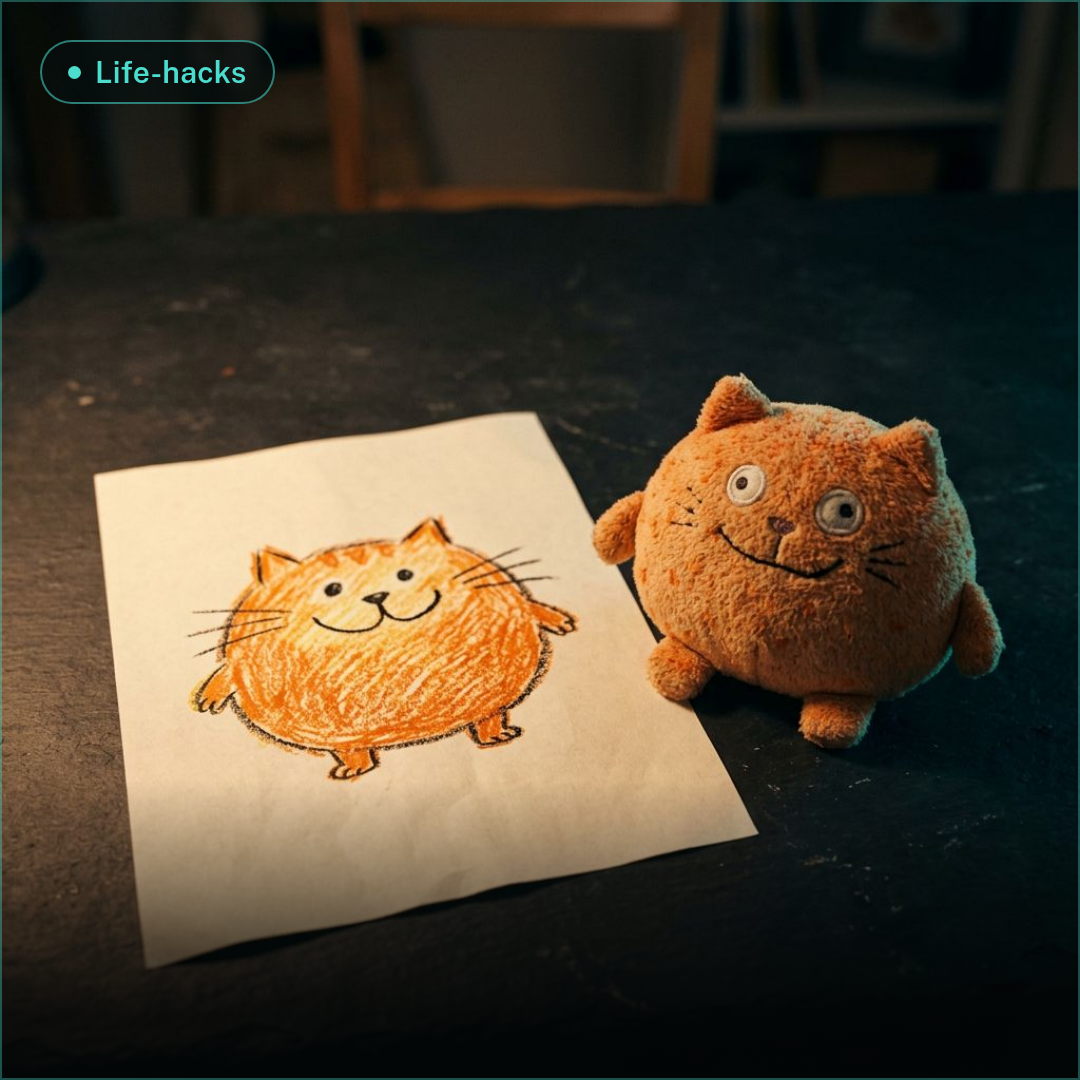
Kid's Drawing to Real Image: 1 AI Prompt Trick (2026)
Turn your child's drawing into a realistic or storybook image: we ran one drawing and one prompt through 3 AI models on 2026-10-27 and show which kept the kid's idea best.
Kid's Drawing to Real Image: 1 AI Prompt Trick (2026)
On 27 October 2026 we ran one crayon-style cat drawing through three image models with the exact same prompt, and one of them kept the child's idea almost line for line. The trick behind it takes three lines, works in any image-to-image model, and costs from per try on the winner.
By Ropewalk Team. Tested on 2026-10-27 across 3 generations (1 drawing, 1 prompt, 3 models). Transparency note: the drawing is a kid-style digital doodle we made for the test, so no real child's artwork or photo was uploaded anywhere.
The Quick Answer
Upload the drawing as a reference image, write what the kid meant to draw ("our ginger tabby cat, head tilted, tail up") rather than what the lines literally show, then add one style word: realistic, storybook or plush. In our test Nano Banana 2.1 preserved the layout best, GPT Image 2 stayed the most literal, and Seedream 5.0 Pro gave the most polished portrait but cropped the scene.
Why naming the intent works
An image-to-image model reads a drawing as a layout map: where the head sits, which way the tail points, how big the sun is. What it cannot know is what a wobbly orange oval is supposed to be. If you only say "make this realistic", the model guesses, and a crayon oval with two circles can become a pumpkin, a fox or a potato. When you write "this is our ginger tabby cat", the model keeps the composition from the lines and takes the identity from your words, so the cat comes out as a cat.
Three details make the prompt stronger. First, list the landmarks you want preserved, such as pose, tail, stripes and background objects. Second, give light and mood in a few words, for example "warm morning light". Third, keep it under about 80 words, because long prompts start fighting the picture.
The test: one drawing, one prompt, three models
We used one reference drawing: an orange tabby cat with a tilted head, a raised tail, three stripes, a red heart and a sun in the top-right corner, drawn in thick crayon-like lines on a 1024×1024 px canvas. The same file and the same prompt went into Nano Banana 2.1, GPT Image 2 and Seedream 5.0 Pro, one generation each, no re-rolls, no cherry-picking. That keeps the comparison fair: any difference you see comes from the model, not from prompt tinkering.
The reference is shown below, followed by the exact prompt we used. Prompts stay in English on every language version of this page, so you can copy it as is.
Results: what each model kept
Nano Banana 2.1 returned a 1024×1024 photo in about 18 seconds. The tilted head, the raised tail, the stripes and the heart all landed where the child drew them, and the sun became a real backlight glow at the top, so the scene feels like a photograph rather than a pasted doodle. We paid 135 coins for it.
GPT Image 2 took about 25 seconds and changed the frame to 3:2 (1536×1024), but kept the pose and tail. It left the sun and heart as flat crayon-style marks on top of the photo, which is charming for a storybook look and wrong for a realistic one. That run cost 170 coins.
Seedream 5.0 Pro needed about 51 seconds, produced a 2000×2000 image and cost 360 coins at its default 2K size. The fur and the eyes are the sharpest of the three, but it zoomed in: legs and the grass line are gone, so the drawing's composition was only partly kept.
The gallery shows the three outputs left to right: Nano Banana 2.1, GPT Image 2 and Seedream 5.0 Pro. Captions in the hover overlay shorten the prompt, while the full text sits in the try-prompt block above. Every image was generated on 2026-10-27 with the exact model named, so you can judge the fur, the light and the layout yourself before spending a single coin of your own. If you want to repeat the test, upload the same kind of flat, well-lit photo of a drawing and keep the prompt identical across models; that is the only way to compare them fairly.
Which model stayed most faithful
Nano Banana 2.1 wins on faithfulness: 5 of 5 landmarks from the drawing survived (head tilt, raised tail, stripes, heart, sun position) and the square frame matched the original. GPT Image 2 scored 4 of 5 in a realistic sense, because its sun and heart stayed as doodles. Seedream 5.0 Pro scored 3 of 5, since it lost the grass line and the legs, though it is the model to pick when you want a close-up portrait of the pet.
Slide the handle below to compare the child's drawing with the Nano Banana 2.1 result.
Three style variants worth trying
The same drawing can go in three directions by swapping only the last sentence of the prompt. We tested the realistic version above; the other two are the ones parents ask for most, and we have not rendered them for this article, so treat them as starting points.
Realistic: "Turn it into a realistic photograph, warm morning light, natural fur detail." Storybook: "Turn it into a watercolor children's-book illustration, soft paper texture, gentle colors, keep every line of the layout." Plush toy: "Turn it into a handmade plush toy photographed on a wooden table, visible stitching, soft studio light." If you plan a whole picture book, our guide to AI children's book illustration shows how to keep one character consistent across pages.
Mistakes to avoid
Three mistakes ruin most attempts. The first is a vague prompt: "make it realistic" with no subject lets the model invent what the shapes mean, and the pet can easily come out as a different animal. The second is over-polishing: if you ask for "ultra-detailed 8K masterpiece", the model smooths away the wobbly charm that makes a child's drawing special, so keep one hint of the original, such as the proportions or the tilted head.
The third is losing the layout. Say which elements must stay in place, and pick a model that keeps the original aspect ratio, because a changed frame shifts everything. For more reference-photo tricks, see our AI photo editing hacks and the guide to restoring old family photos.
Try it
Pick a drawing from the fridge, photograph it flat in daylight so the lines are sharp, and upload it as the reference image in the chat. Paste the prompt from above, replace the cat with what your child meant to draw, and choose one style word. The whole run takes under 1 minute per model, and a first attempt costs from . Nano Banana 2.1 is the safest first pick; switch to GPT Image 2 for a storybook feel or to Seedream 5.0 Pro for a polished close-up.
FAQ
Is it safe to upload my child's drawing or photo?
Upload only the drawing, not a photo of the child. A drawing carries no face, name or location. Remove any visible names or school logos by cropping, and check your own privacy settings in the app before sharing results publicly.
How do I keep the original look of the drawing?
Name the pose and landmarks that must stay, ask for one style only, and avoid quality-stacking words such as "ultra-detailed masterpiece". In our test, listing five landmarks in the prompt kept 5 of 5 in the best result.
Can I print the result as a keepsake?
Yes. The Nano Banana 2.1 result is 1024×1024 px, which suits a small framed print or a fridge-door card. For a larger poster, use Seedream 5.0 Pro, which returned a 2000×2000 px image in our test, and print the drawing next to it.
Comments
Comments feature coming soon! Stay tuned.