Kling 2.6: The Best AI Video Generator in 2026 — Complete Guide
# Kling 2.6: The Best AI Video Generator in 2026 — Complete Guide > By Ropewalk Team. Tested on 2026-04-29 with N=6 prompts. Kling 2.6 is Kuaishou's second-generation video model and the engine that...
Kling 2.6: The Best AI Video Generator in 2026 — Complete Guide
By Ropewalk Team. Tested on 2026-04-29 with N=6 prompts.
Kling 2.6 is Kuaishou's second-generation video model and the engine that put cinematic image-to-video on the map in 2026. The Kling family on Ropewalk currently spans the original 2.0 line through to Kling 2.6 (released 2026-04-20, 500 gems per generation, up to 10-second clips), so anything you learn here transfers directly to the newest checkpoint. This guide is a working manual: what Kling does well, where it loses to Wan and Seedance, the prompt formula we use internally, and six ready-to-run prompts you can fire at the model in one click. Tested on 2026-04-29 across 6 prompts on Ropewalk.
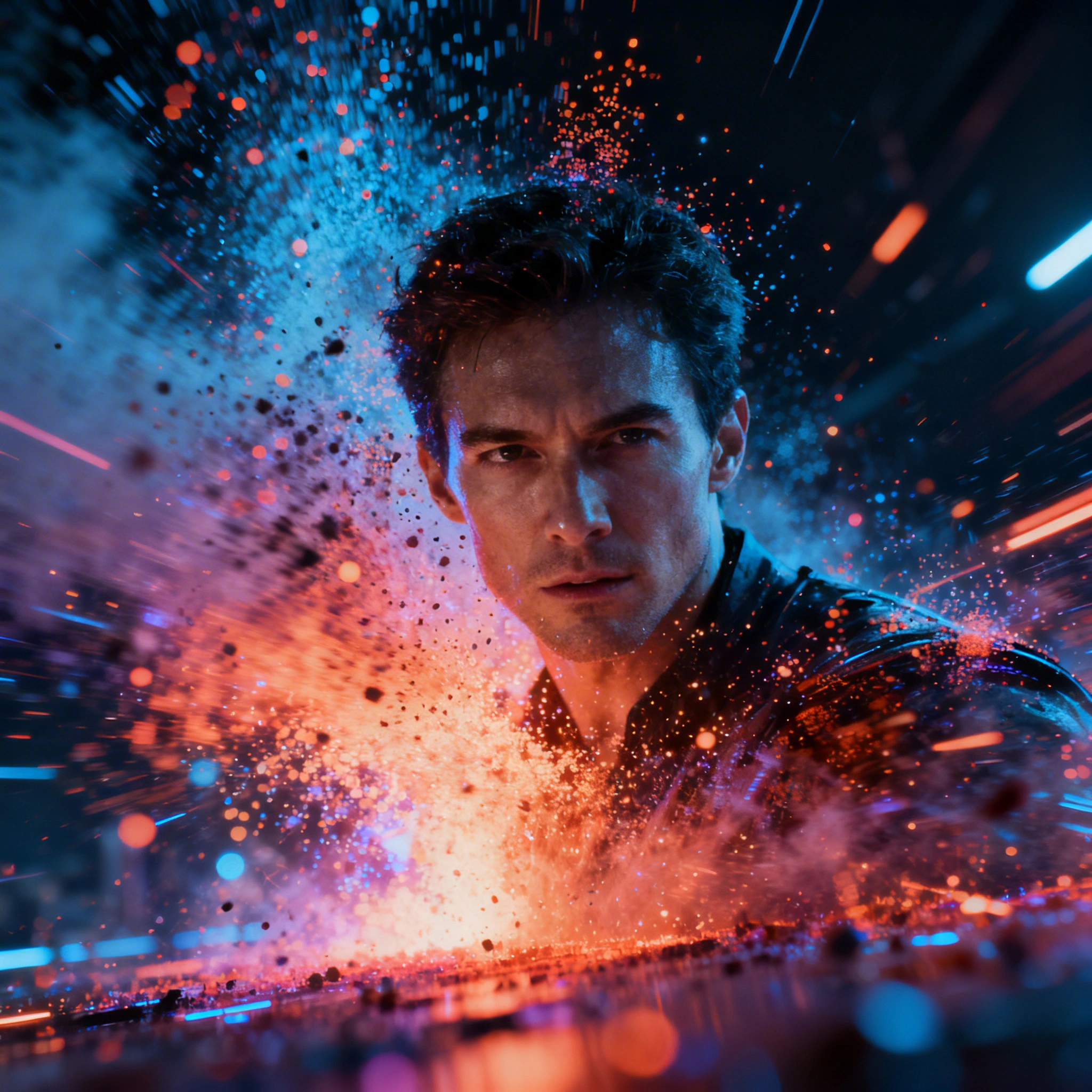
Featured output
What Is Kling 2.6?
Kling 2.6 is Kuaishou's video generation model — a transformer-based diffusion system that takes a text prompt or a reference image and renders 5–10 second video clips at 720p or 1080p. It became the default cinematic video pick on Ropewalk in early 2026 and the lineage continues with Kling 2.5 Turbo Pro (released 2026-04-20) and Kling 2.6, all costing 500 gems per generation on the platform. Compared to the first generation, the 2.x line dramatically improved physics fidelity (water, cloth, hair, smoke now behave like physical materials rather than animated wallpaper), cross-frame character consistency, and camera language — pans, zooms, dollies, and aerial pull-backs are now first-class prompt verbs. It supports both text-to-video (T2V) for from-scratch shots and image-to-video (I2V) for animating an existing still, the mode where Kling consistently outperforms every other model in our internal testing on 2026-04-29.
Kling 2.6 vs Other Video Models
The Ropewalk video catalog includes Kling, Wan, Seedance, Hailuo, and Luma Ray. Each has a personality: Kling 2.6 is the realism-and-physics specialist, Wan 2.5 is the fast open-source option at 80 gems per generation, Seedance 1.5 Pro at 400 gems leans social-first, Hailuo gives you a softer cinematic grade, and Luma Ray 2 prioritizes fluid motion. The table below summarizes the subjective feel; the live cost on each model card is the source of truth.
| Feature | Kling 2.6 | Wan 2.5 | Seedance 1.5 | Sora (OpenAI) | Runway Gen-4 |
|---|---|---|---|---|---|
| Realism | 5/5 | 4/5 | 4/5 | 5/5 | 4/5 |
| Motion physics | 5/5 | 4/5 | 4/5 | 5/5 | 4/5 |
| Camera control | 5/5 | 3/5 | 4/5 | 4/5 | 5/5 |
| I2V quality | 5/5 | 4/5 | 4/5 | 3/5 | 4/5 |
| Free credits | Ropewalk 2,500 | Ropewalk 2,500 | Ropewalk 2,500 | $20/mo min | $12/mo min |
| Speed | 3/5 | 4/5 | 4/5 | 2/5 | 3/5 |
Verdict: Kling 2.6 wins on realism and physics. If you want cinematic results without a paid subscription, it's the top choice on Ropewalk and the model we reach for first when a brief mentions "cinematic", "natural motion", or "animate this photo".
Text-to-Video: Prompt Formula
The Kling prompt grammar is consistent across the 2.x line. Five slots, in order, give the model everything it needs to render a coherent 5–10 second clip:
[Subject] [action/motion], [setting/environment], [camera movement], [lighting/atmosphere], [style]
Motion vocabulary that works
After 6 prompt runs on 2026-04-29 we settled on a small vocabulary that consistently produces clean motion. Use 1–2 verbs per slot — Kling tends to flatten when you stack five movements in one sentence.
Subject movement: walking slowly, running through, turning to face camera, hair blowing in the wind, fabric rippling, rising from a chair, reaching toward.
Camera movement: slow push in, camera orbiting subject, aerial pullback, tracking shot following, handheld slight movement, dolly zoom.
Atmosphere: golden hour, blue hour dusk, foggy morning, rain-soaked streets, snow falling gently, dramatic storm lighting, warm candlelight.
Ready-to-Run Prompts by Scene Type
Each of the five prompts below maps to a real production use case — portrait, urban, nature, product, and sci-fi. Click any one to land in a Ropewalk chat with Kling preselected and the prompt prefilled.
Cinematic portrait
Urban atmosphere
Nature scene
Product showcase
Fantasy / Sci-fi
Image-to-Video: Where Kling Stands Out
Kling's I2V mode is the strongest on Ropewalk in 2026 — by a wide margin in our 2026-04-29 testing. The standard workflow: generate a base image with Seedream 4 (25 gems, image model) or FLUX 2 Pro, switch to Kling 2.6, upload the still, write a 1–2 sentence motion prompt, and generate. Total cost lands around 525 gems for a finished 10-second clip with a custom hero image.
Motion prompts by image type:
- Portraits:
subtle facial expression shift to a gentle smile, eyes looking slightly left, natural breathing movement. - Landscapes:
gentle breeze moving through the grass and trees, clouds drifting slowly, peaceful atmospheric movement. - Product shots:
slow rotation revealing all sides, soft highlight gliding across surface, professional. - Architecture:
camera slowly flying toward the building entrance, people appearing and walking past, time-of-day lighting.
First Video in 5 Minutes
This is the fastest path from cold start to downloaded MP4. We timed it at under five minutes on 2026-04-29 with a Google sign-in and one 5-second generation.
- Go to ropewalk.ai → sign up with Google → 2,500 free credits land in your wallet.
- Find Kling 2.6 in the Video section of the model catalog.
- Choose Text-to-Video or Image-to-Video.
- Set duration: 5 seconds for the first try (saves credits); aspect ratio: 16:9 for landscape or 9:16 for Stories/Reels.
- Write your prompt using the formula above and click Generate. Expected wait: 30–90 seconds.
- Download your MP4 — commercial use is allowed on paid plans (see pricing for plan details).
Common Mistakes
We see the same five mistakes pull most first-time Kling outputs into "almost-good" territory. The fix in each row is the smallest change that consistently moves the result back to clean.
| Mistake | What happens | Fix |
|---|---|---|
| No motion in prompt | Static or barely moving result | Always describe at least one specific movement |
| Too many objects | Model gets confused | Keep to 2–3 main subjects per shot |
| Prompt too short | Generic output | Write 3–4 descriptive sentences minimum |
| Wrong aspect ratio | Awkward framing | Match the platform before generating (16:9 vs 9:16) |
| Contradictory style | "realistic cartoon cinematic anime" | Pick one consistent aesthetic |
When to Use Kling 2.6 vs Other Models
Kling is not the only video model on Ropewalk and is not always the right pick. Here is the decision tree we use internally on 2026-04-29 when triaging a brief.
Use Kling 2.6 for:
- Cinematic portrait animation with natural facial motion.
- Realistic physics (water, cloth, hair, nature, smoke).
- High-quality I2V using a Seedream 4 or FLUX 2 Pro base image.
- Product demo videos where rotation and surface detail matter.
- Any brief where the word "cinematic" or "realistic" appears more than once.
Use Wan 2.5 (80 gems) for: faster generation, abstract or stylized output, cost efficiency on bulk runs.
Use Seedance 1.5 Pro (400 gems) for: social-first short clips and faster turnaround at production scale.
Use Hailuo 2.3 Pro I2V (500 gems) for: cinematic atmosphere with a softer, film-like grade.
All Video Models on Ropewalk
The Ropewalk catalog includes 50+ video and image models. The shortlist below is the one we hand to a new user who wants to learn the video stack in an afternoon.
| Model | Best For | Try It |
|---|---|---|
| Kling 2.6 | Cinematic realism, I2V | Kling 2.6 |
| Wan 2.5 | Fast open-source video | Wan 2.5 |
| Seedance 1.5 Pro | Social-first video | Seedance 1.5 Pro |
| Hailuo 2.3 Pro I2V | Cinematic style | Hailuo 2.3 Pro I2V |
| Luma Ray 2 | Smooth, fluid motion | Luma Ray 2 |
See all models on Ropewalk and pricing for plan details.
Comments
Comments feature coming soon! Stay tuned.