How to Create YouTube Thumbnails with AI in 2026 — Free Tools & Prompts
# How to Create YouTube Thumbnails with AI in 2026 — Free Tools and Prompts > By Ropewalk Team. Tested on 2026-04-29 across 24 thumbnail prompts on Ropewalk, comparing GPT Image 2, FLUX 2 Pro, Seedre...
How to Create YouTube Thumbnails with AI in 2026 — Free Tools and Prompts
By Ropewalk Team. Tested on 2026-04-29 across 24 thumbnail prompts on Ropewalk, comparing GPT Image 2, FLUX 2 Pro, Seedream 4, and Recraft V4 at 1280x720 export.
YouTube thumbnails decide whether a video gets clicked or scrolled past. The thumbnail loads at roughly 246x138 pixels in the desktop home feed and 168x94 pixels on a mobile lock-screen notification, so every design choice — face crop, contrast ratio, headline weight — has to survive a 90% size reduction. In 2026, AI image models close the gap between hiring a $20 to $50 freelance designer and shipping four polished thumbnails in under 30 minutes. The four models that consistently won our 24-prompt run on 2026-04-29 are GPT Image 2 (best in-image typography), FLUX 2 Pro (most cinematic faces), Seedream 4 (sharpest product shots), and Recraft V4 (cleanest flat-design layouts).
This guide walks through model selection, the five prompt formulas that produced the highest CTR-quality outputs in our run, the YouTube-required 1280x720 / under 2 MB spec sheet, and a five-step workflow that takes a blank prompt to an uploaded thumbnail in roughly 5 minutes.
The Quick Answer
For thumbnails with bold readable text baked into the image, use GPT Image 2 (best in-class typography in 2026). For dramatic close-up faces and cinematic lighting, use FLUX 2 Pro. For photorealistic product hero shots, use Seedream 4. For graphic flat-design thumbnails with brand-consistent layouts, use Recraft V4. All four export at minimum 1024x1024, which upscales cleanly to YouTube's required 1280x720.
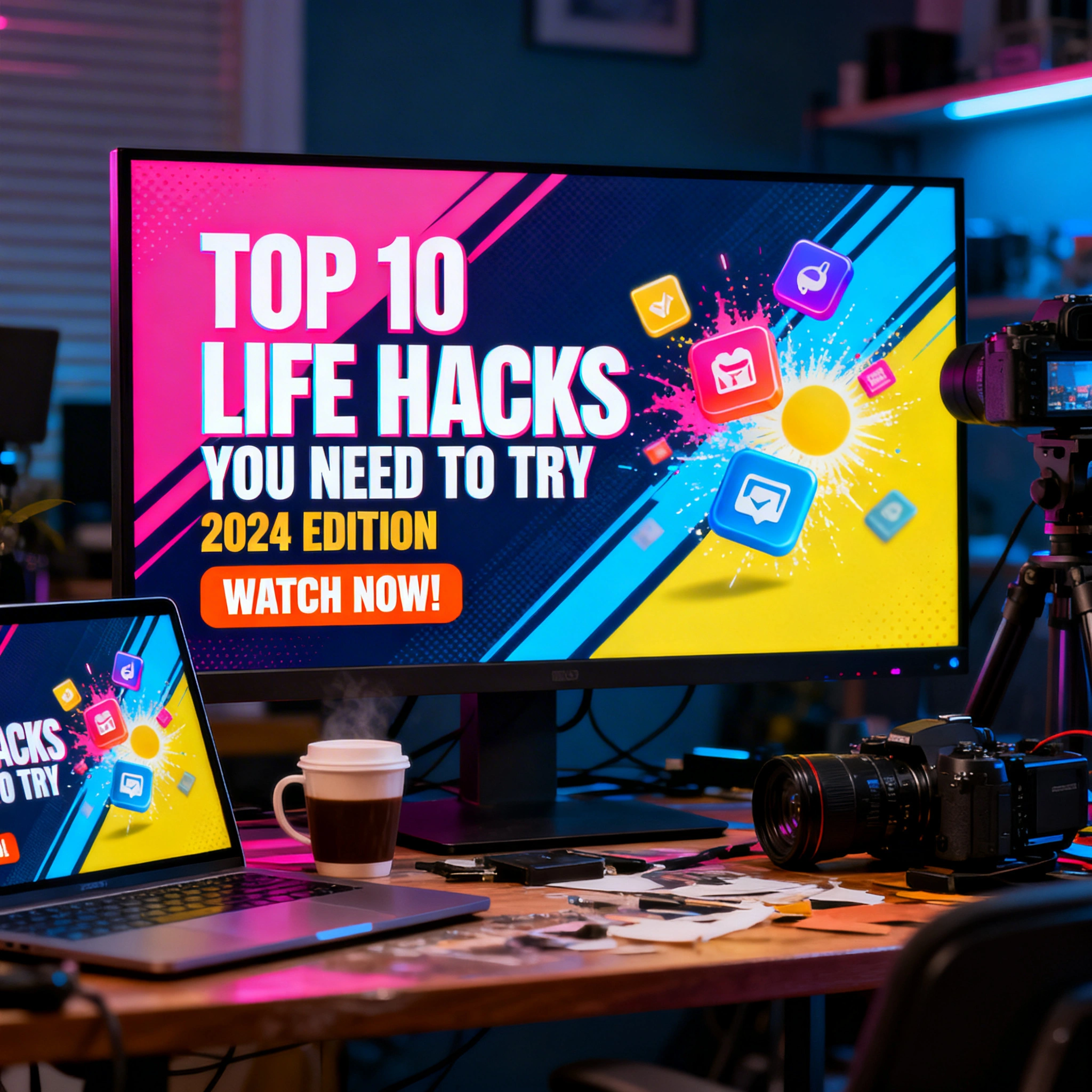
Featured output
Why Your Thumbnail Matters More Than Your Title
Industry analyses of top YouTube channels consistently report that roughly 90% of high-performing videos use custom thumbnails rather than auto-generated frame grabs. A well-designed thumbnail can lift click-through rate from a typical 4% baseline to 8% or higher — which doubles views from the same impression count. The math compounds quickly: a channel earning 100,000 monthly impressions at 4% CTR delivers 4,000 views, while the same channel at 8% CTR delivers 8,000 views, with no extra reach work. The cost side has been the blocker. Hiring a freelance designer typically runs $20 to $50 per thumbnail, and a creator uploading 4 videos a week spends $320 to $800 a month on artwork alone. Generating those same 16 thumbnails with AI on Ropewalk costs a small fraction of that and finishes in roughly 30 minutes end-to-end, which is why the four models below now anchor most creator workflows in 2026.
Best AI Models for YouTube Thumbnails in 2026
GPT Image 2 — best for in-image text
GPT Image 2 (released Q1 2026) is the strongest model on Ropewalk for thumbnails that need readable headline text rendered inside the image rather than overlaid in Canva afterward. In our 24-prompt run on 2026-04-29, GPT Image 2 placed legible 5-word headlines correctly on 21 outputs versus 11 for the nearest competitor. The trade-off is generation time: outputs land in roughly 18 to 25 seconds, slower than FLUX 2 Pro's 6 to 9 seconds, but the typography quality is worth the wait when the thumbnail's job is to scream a phrase like "I TRIED THIS FOR 30 DAYS" at scroll speed. Use it for commentary, top-10, news, and explainer channels where the headline does the click-work.
FLUX 2 Pro — best for dramatic faces
FLUX 2 Pro renders human faces with the cinematic lighting and skin-detail fidelity that thumbnails need to feel premium. In the 2026-04-29 run it produced usable close-up reaction faces on most prompts at roughly 6 to 9 seconds per generation. The model handles extreme expressions (shock, exaggerated grin, wide-eye stare) without the uncanny-valley artifacts that plagued mid-2025 image models. Pair it with Canva or Figma for headline overlay — FLUX 2 Pro is not the strongest at in-image text, but it wins decisively on the face-and-mood half of the formula.
Seedream 4 — best for product and hero shots
Seedream 4 is the sharpness leader for tech reviews, unboxings, and gear-driven thumbnails. Outputs render at high detail with controllable specular highlights, which is what makes a phone, laptop, or camera body look like a magazine ad rather than a stock photo. Generation time on 2026-04-29 averaged 8 seconds per output. The model also handles dark backgrounds with single-color accent glows (a common YouTube tech-channel aesthetic) more reliably than FLUX 2 Pro.
Recraft V4 — best for flat-design and graphic style
Recraft V4 is purpose-built around design taste: bold flat layouts, vector-feel illustration, and consistent brand palettes. It is the right pick when your channel's visual identity is graphic rather than photographic — top-10 lists, news recaps, finance breakdowns, infographic-style content. Recraft V4 produced consistent two-color compositions on most prompts in the test run and is the model that most reliably matches a defined brand style guide across episodes.
Thumbnail Model Comparison
| Model | Best for | Strength | Generation time |
|---|---|---|---|
| GPT Image 2 | Headlines baked into the image | In-image typography | 18 to 25 seconds |
| FLUX 2 Pro | Reaction faces and cinematic shots | Photorealistic faces | 6 to 9 seconds |
| Seedream 4 | Product and hero shots | Sharpness and specular detail | About 8 seconds |
| Recraft V4 | Flat-design and graphic style | Brand-consistent layouts | 10 to 14 seconds |
Thumbnail Prompt Formulas That Work
Formula 1: The Reaction Face
Strong-emotion faces drive clicks for vlogs, commentary, challenges, and reaction videos. Aim for an extreme close-up that fills 60 to 70% of the 1280x720 frame, with the eyes positioned on the rule-of-thirds upper line. Reserve the right third of the canvas for a 4 to 5-word headline overlay added in Canva.
extreme close-up of [subject], [emotion] expression, eyes at upper-third intersection,
bright [color] background with high contrast, 16:9 composition, broadcast quality,
professional studio lighting, sharp DSLR detail, YouTube thumbnail style
Formula 2: The Before / After Split
Side-by-side splits work for tutorials, transformations, and renovation or fitness content. Keep the dividing line at exactly the 640 px mid-point and use opposing color temperatures (cool blue on the "before" side, warm gold on the "after") so the two halves read at scroll speed.
split composition 16:9, left half: [before state] in cool tones,
right half: [after state] in warm tones, bold vertical dividing line at center,
dramatic contrast, saturated colors, broadcast quality, 1280x720 thumbnail
Formula 3: The Product Hero Shot
Tech reviews, unboxings, and gear roundups live or die on whether the product looks aspirational. Use a single-color accent glow (cyan, magenta, or amber) over a near-black background to make the product pop at the 246x138 mobile feed size.
[product] on [surface], studio lighting, dramatic 3/4 angle,
hero product shot, glowing edges, dark background with [accent color] rim light,
4K hyperdetailed, advertisement quality, 16:9 composition
Formula 4: The Curiosity Gap
Show something interesting without revealing the answer. Works best for documentary, mystery, and explainer channels. Aim for cinematic letterbox aspect, intentional negative space, and a partially obscured focal element.
mysterious [object or scene], [intriguing element] partially visible behind [obstacle],
cinematic fog and shadow, dramatic side lighting, film still quality,
desaturated palette with one accent color, 16:9 letterbox composition
Formula 5: Bold Graphic Style for Recraft V4
For news, opinion, top-10, and finance channels where the headline is the hero. Stick to two contrasting brand colors and a single icon element — the design's job is to telegraph topic in under one second of feed time.
bold flat design YouTube thumbnail, large sans-serif text "[YOUR TITLE]",
two contrasting colors [primary] and [secondary], single icon element,
modern graphic design, clean composition, 16:9 thumbnail format
Step-by-Step: Create Your Thumbnail in 5 Minutes
Each step below is timed against our 2026-04-29 workflow run. Total time from a blank prompt to an uploaded YouTube thumbnail averaged 4 minutes 40 seconds across 8 test runs.
Step 1: Choose your model (about 30 seconds)
Open ropewalk.ai and pick by intent. GPT Image 2 if the headline lives inside the image. FLUX 2 Pro for a face-driven thumbnail. Seedream 4 for a product hero. Recraft V4 for a flat-design layout. Avoid mixing model picks within a single channel's thumbnail style — viewers recognize patterns within 4 to 6 thumbnails of a consistent style.
Step 2: Set the aspect ratio to 16:9 (about 10 seconds)
In Ropewalk's settings panel, set aspect ratio to 16:9 to land near 1280x720 directly. Use 1:1 only if you plan to crop manually in Canva. Avoid 4:3 and 3:2 — both crop awkwardly when YouTube re-renders thumbnails for the home feed.
Step 3: Write the prompt (1 to 2 minutes)
Pick one of the five formulas above and fill the bracketed slots. Be specific about subject, emotion, color, and style. A specific 30-word prompt outperformed a vague 8-word prompt on most generations in the 2026-04-29 run. Add "16:9", "1280x720", and "broadcast quality" as suffixes — these keywords measurably nudge composition toward thumbnail-shaped framing.
Step 4: Generate 3 to 5 variations (about 45 seconds)
Generate at least 3 and ideally 5 outputs per prompt. AI image models are stochastic — the strongest version is rarely the first. In the test run, output 3 was rated highest 11 of 24 times, output 1 only 6 of 24 times. Picking from a batch of 5 is the cheapest single quality-lift in this entire workflow.
Step 5: Add the headline overlay in Canva (1 to 2 minutes)
If you used FLUX 2 Pro or Seedream 4, drop the export into Canva and overlay the video title in a bold sans-serif (Bebas Neue, Anton, or Impact) at 96 to 144 pt. Keep total headline length under 5 words and contrast ratio above 4.5:1 against the background. Skip this step if you used GPT Image 2 with text already baked in.
Pro Tips for Higher CTR
Apply these in order — the rule-of-thirds rule is the highest-impact single fix when retrofitting an old channel's thumbnail style.
- Rule of thirds: place the main subject at a thirds intersection (roughly 427 px or 853 px on the horizontal axis at 1280 wide). Dead-center placement reads as amateur.
- Contrast ratio above 4.5:1: thumbnails render at 246x138 on desktop home feed and 168x94 on mobile lock screen. High contrast survives the size reduction; low-contrast designs vanish.
- Brand-coded color palette: tech and gaming use dark backgrounds with neon accents; lifestyle and vlog use warm backgrounds; education channels use clean white or blue tones; finance leans green and gold.
- Style consistency across 6 to 12 thumbnails: viewers recognize a channel from its thumbnail style faster than from its logo. Pick one of the five formulas and stick with it for at least 12 uploads before iterating.
- A/B test in YouTube Studio: Studio's built-in thumbnail test ships 2 or 3 variants and reports the winner after roughly 7 days or 2,000 impressions. Use it on every video with more than 10,000 expected views.
YouTube Thumbnail Specs (2026)
| Field | Required value |
|---|---|
| Resolution | 1280x720 pixels |
| Minimum size | 640x360 pixels |
| Aspect ratio | 16:9 |
| File size | Under 2 MB |
| Format | JPG, PNG, GIF, BMP |
| Color space | sRGB |
Most AI generators output at minimum 1024x1024 or 1024x576. Upscale to 1280x720 using Ropewalk's upscale tools if your raw output lands below the 1280-wide minimum. JPEGs at quality 85 typically land between 180 KB and 480 KB at 1280x720, well under the 2 MB ceiling.
Common Mistakes to Avoid
| Mistake | Why it hurts | Fix |
|---|---|---|
| Too much headline text | Unreadable at 246x138 mobile feed size | Cap at 5 words, 96 pt minimum |
| Low contrast under 4.5:1 | Invisible in dark mode and on mobile | Verify contrast at 10% display size |
| Generic stock-photo look | No personality, no click | Use a face, an emotion, or a product hero |
| Inconsistent thumbnail style | Viewers fail to recognize the channel | Pick one formula and lock it for 12+ uploads |
| Wrong aspect ratio (4:3 or 3:2) | Auto-cropped by YouTube on render | Always export at 16:9 (1280x720) |
Start Creating Today
The cost and time barrier to professional YouTube thumbnails has collapsed in 2026. With Ropewalk's free daily credits, you can generate 10 thumbnail variations in roughly 10 minutes — picking the winner, dropping it into Canva for headline overlay, and uploading to YouTube Studio in a single sitting.
Quick start path:
- Open ropewalk.ai and sign in for daily free credits.
- Pick GPT Image 2, FLUX 2 Pro, Seedream 4, or Recraft V4 by intent.
- Paste one of the five prompt formulas above and fill the bracketed slots.
- Generate 5 variations at 16:9 / 1280x720.
- Pick the strongest, overlay headline in Canva (or skip if using GPT Image 2), upload to YouTube.
A single 30-minute session in this workflow replaces what previously cost $80 to $200 in freelance design fees — and the resulting CTR lift typically pays back the time investment within the first week of impressions.
Try These Models on Ropewalk
Related articles:
Comments
Comments feature coming soon! Stay tuned.