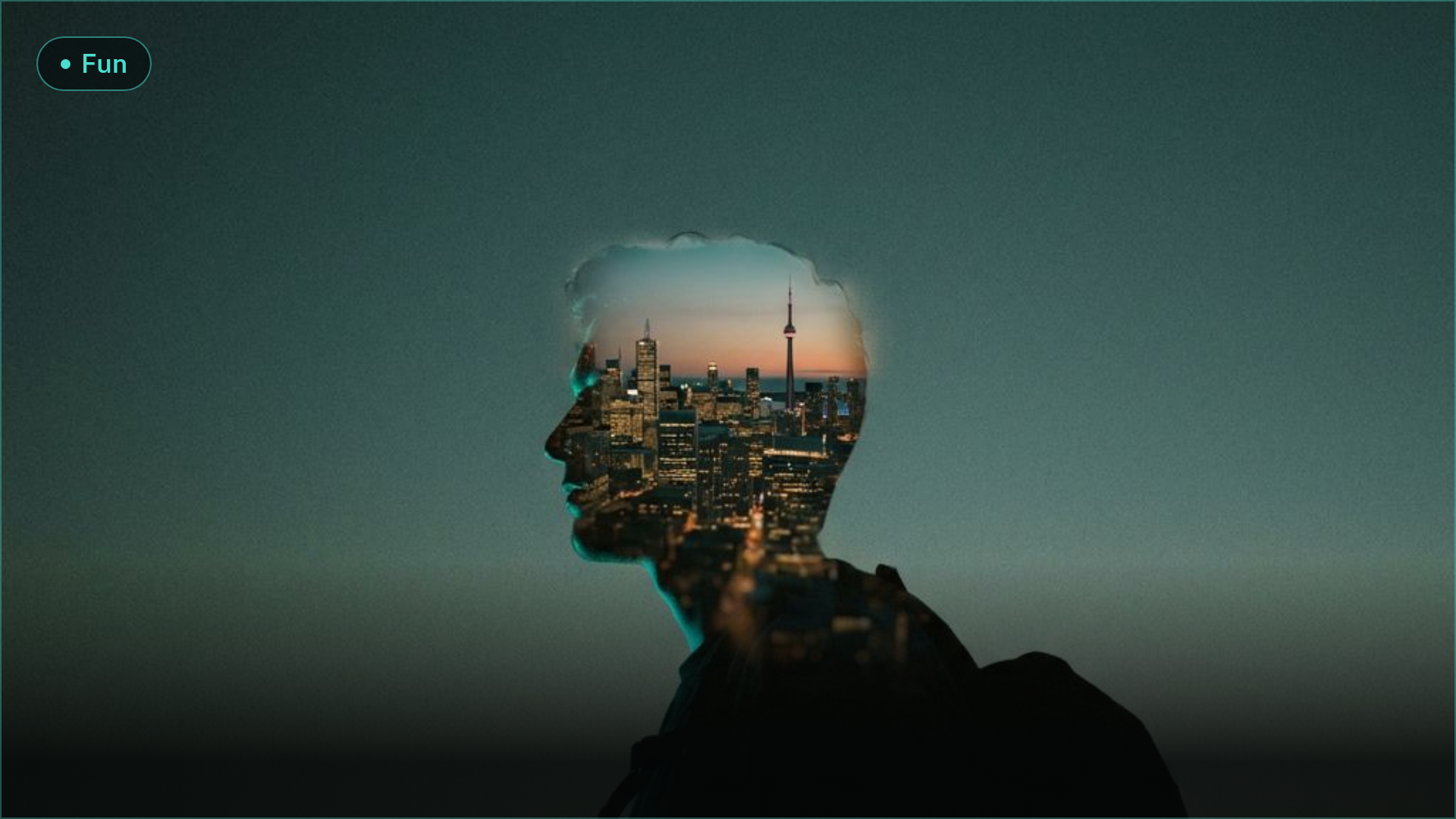
Double-Exposure Travel Posters: 3 AI Models Tested (2026)
Double-exposure travel posters are trending on Instagram and Pinterest. We ran the same silhouette-plus-skyline prompt across three AI models to find the one that needs zero manual editing.
We Turned City Skylines Into Double-Exposure Posters
By Ropewalk Team. Tested on 2026-08-30, running one prompt formula across three image models.
Double-exposure travel posters — a portrait silhouette fused with a glowing city skyline — have taken over AI art feeds through August 2026, with dozens of new "silhouette + skyline" prompt templates posted to photo-editing and travel-content communities this month alone. We ran the exact same prompt across three image models on 2026-08-30 to find out which one nails the look without a single manual edit in Photoshop.
The format is simple enough to explain in one line: take a side-profile silhouette, drop a skyline into the space where the face and neck should be, and let the horizon do the emotional work. It reads as "I was here" without a single tourist landmark selfie, which is exactly why it's spreading faster than the flat-lay travel shots that dominated feeds two years ago — no travel required to make one.
The One Prompt Formula
Every trending double-exposure poster we scouted uses the same three ingredients: a silhouette, a skyline, and a dusk gradient. So we wrote one prompt and fired it at three models with zero per-model tweaking — same wording, same city (Tokyo, for a skyline everyone recognizes), same "no text" instruction:
"Double-exposure travel poster: a traveler's side-profile silhouette seamlessly blended with the Tokyo skyline at dusk, Tokyo Tower and dense skyscraper silhouettes filling the head and shoulders, teal-to-amber gradient sky, fine film-grain texture, high contrast solid black silhouette, clean poster composition with negative space around the head, cinematic photographic quality, no text"
All three models finished in under 25 seconds, and none needed a second attempt — a good sign this formula is genuinely repeatable, not a lucky roll.
Gallery: Nano Banana Pro
Nano Banana Pro's take is the most photographic of the three: real ambient occlusion where the skyline meets the jawline, individual window lights readable in the skyscrapers, and a teal-to-amber sky gradient that matches the prompt almost exactly. It generated in 17.7 seconds — the middle of the pack on both speed and cost. The one ding: it framed the whole thing in a cream matte border, like a printed photo card, which nobody asked for and which you'd have to crop out in a separate editor for a clean poster file.
Gallery: Ideogram 4.0 Quality
Ideogram 4.0 Quality is the only one of the three that rendered full-bleed, no border, at a taller poster-friendly aspect ratio you could send straight to print. The gradient sky shifts from teal through pink into amber instead of a flat two-tone blend, and the model tucked a bonus Mt. Fuji silhouette into the neck area — nobody prompted that, and it reads like a deliberate art-directed flourish rather than noise. Generation took 22.1 seconds, the slowest of the three but still well under half a minute.
Gallery: FLUX 2 Pro
FLUX 2 Pro was the speed champion — 9.4 seconds, cheapest of the three by a wide margin and roughly a tenth the cost of Ideogram's run. The silhouette lines are the crispest of the set and the Tokyo Tower render is razor-sharp down to the individual lattice struts, but the model swapped the moody dusk gradient for a flat, pale cream backdrop and boxed the composition into a plain 1024×1024 square. It looks more like a clean vector cutout than a poster shot at golden hour.
The Winner, In One Sentence
Ideogram 4.0 Quality wins this test: it's the only one of the three that shipped a full-bleed, dusk-gradient poster with zero cleanup needed, in about 22 seconds of waiting. Nano Banana Pro comes a close second — the blend quality is arguably the most photoreal of the three — but you're stuck cropping its printed-card border in a separate editor, which breaks the "zero Photoshop" promise this whole trend is built on. FLUX 2 Pro is the one to reach for when you want the sharpest, cheapest silhouette and don't care about the dusk-sky drama, since 9 seconds a shot makes it the easy pick for batch-testing 20 city names before committing to a final print. Swap "Tokyo" and "Tokyo Tower" for your own city and its most recognizable landmark and the formula holds — we didn't change anything else between the three runs above. For more on what these two models can do beyond this one trick, see our full Nano Banana Pro guide and the FLUX.2 deep dive.
Comments
Comments feature coming soon! Stay tuned.